Deleting Data Seeding Templates
Veeam Data Cloud allows you to permanently delete a data seeding template if you no longer need it.
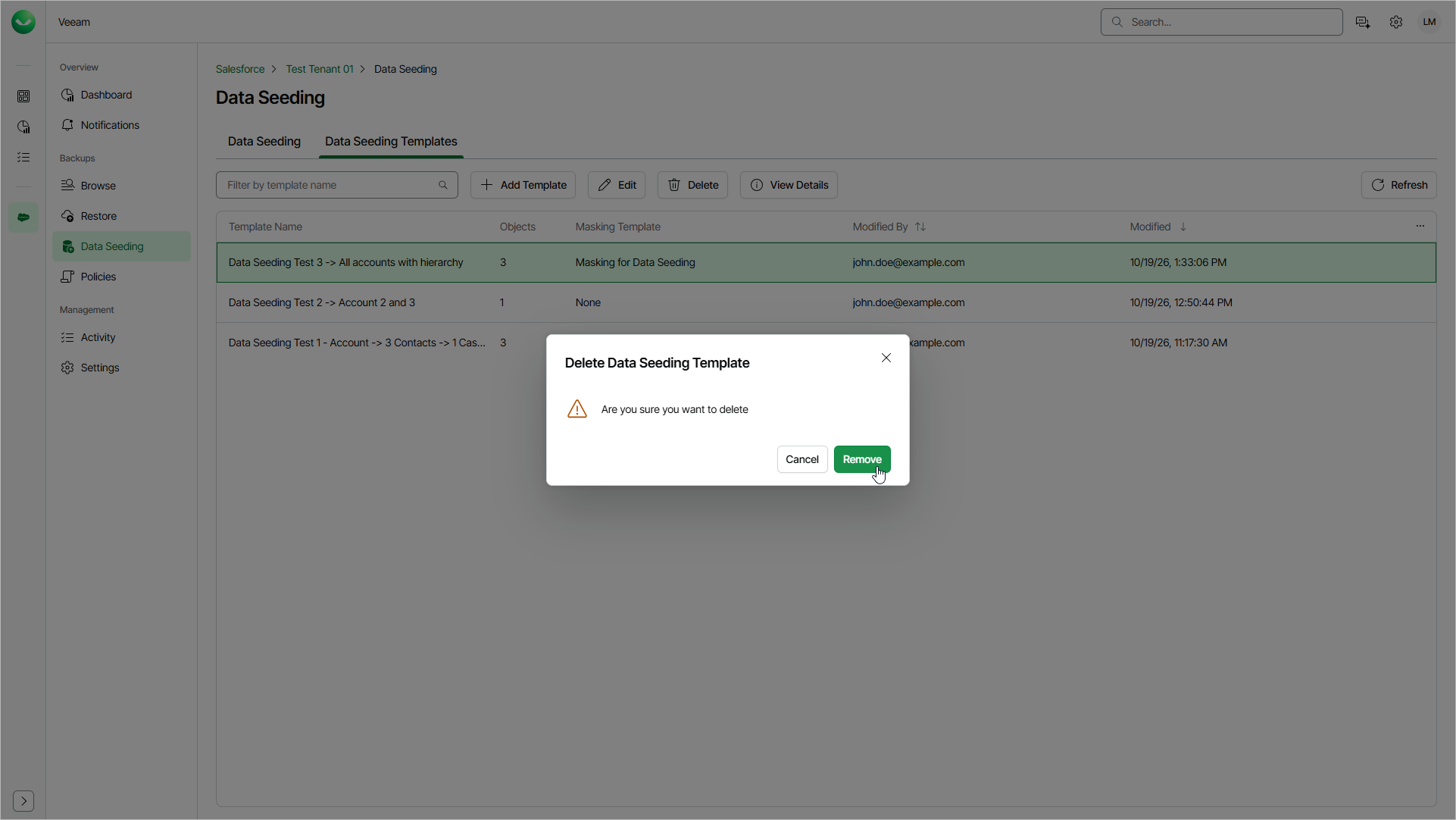
To delete a data seeding template, do the following:
- On the Salesforce page, click the name of the tenant you want to manage.
- Select Data Seeding on the left.
- Switch to the Data Seeding Templates tab.
- Select the template you want to delete and click Delete.
- Click Remove to confirm the deletion.