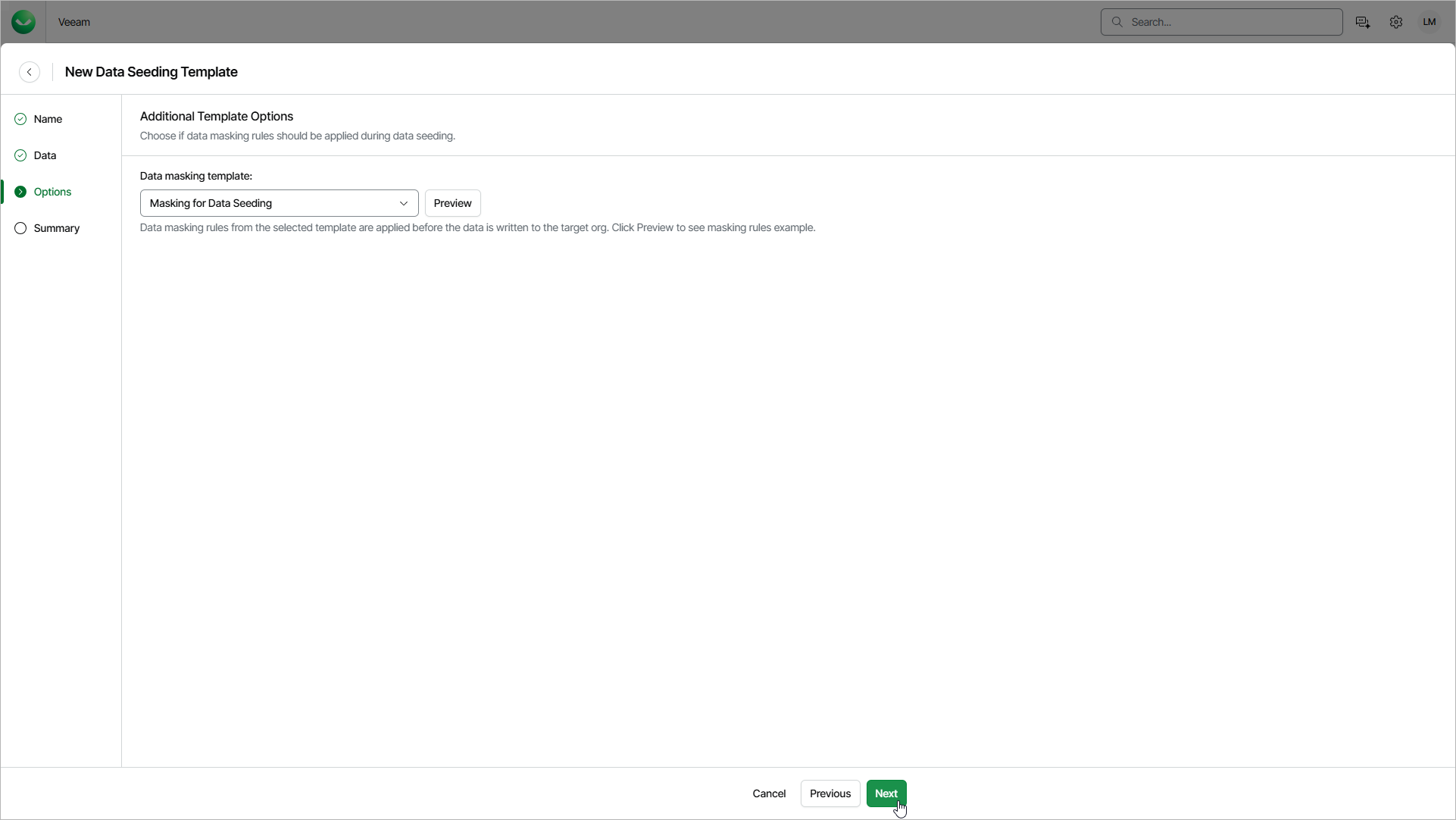
Step 4. Configure Additional Template Settings
At the Options step of the wizard, you can choose whether you want Veeam Data Cloud to apply data masking rules to the seeded data. Veeam Data Cloud applies the masking rules before the data is written to the target Salesforce tenant.
To apply data masking rules, do the following:
- From the Data masking template drop-down list, select the template whose rules you want to apply. For a template to be displayed in the list of available templates, it must be created by an Administrator as described in section Managing Data Masking Templates.
- [Optional] To view examples of masked data, click Preview.
The preview shows which fields are covered by the masking rules of the selected template, and how the values of these fields will be anonymized. You can use the preview to decide whether you need to update the selected template or create a separate template for your testing scenario.
|
Tip |
|
We recommend that you apply data masking when you seed data from a production Salesforce tenant. When you seed data from one sandbox tenant to another, data masking may not be necessary. |