Step 5. Finish Working with Wizard
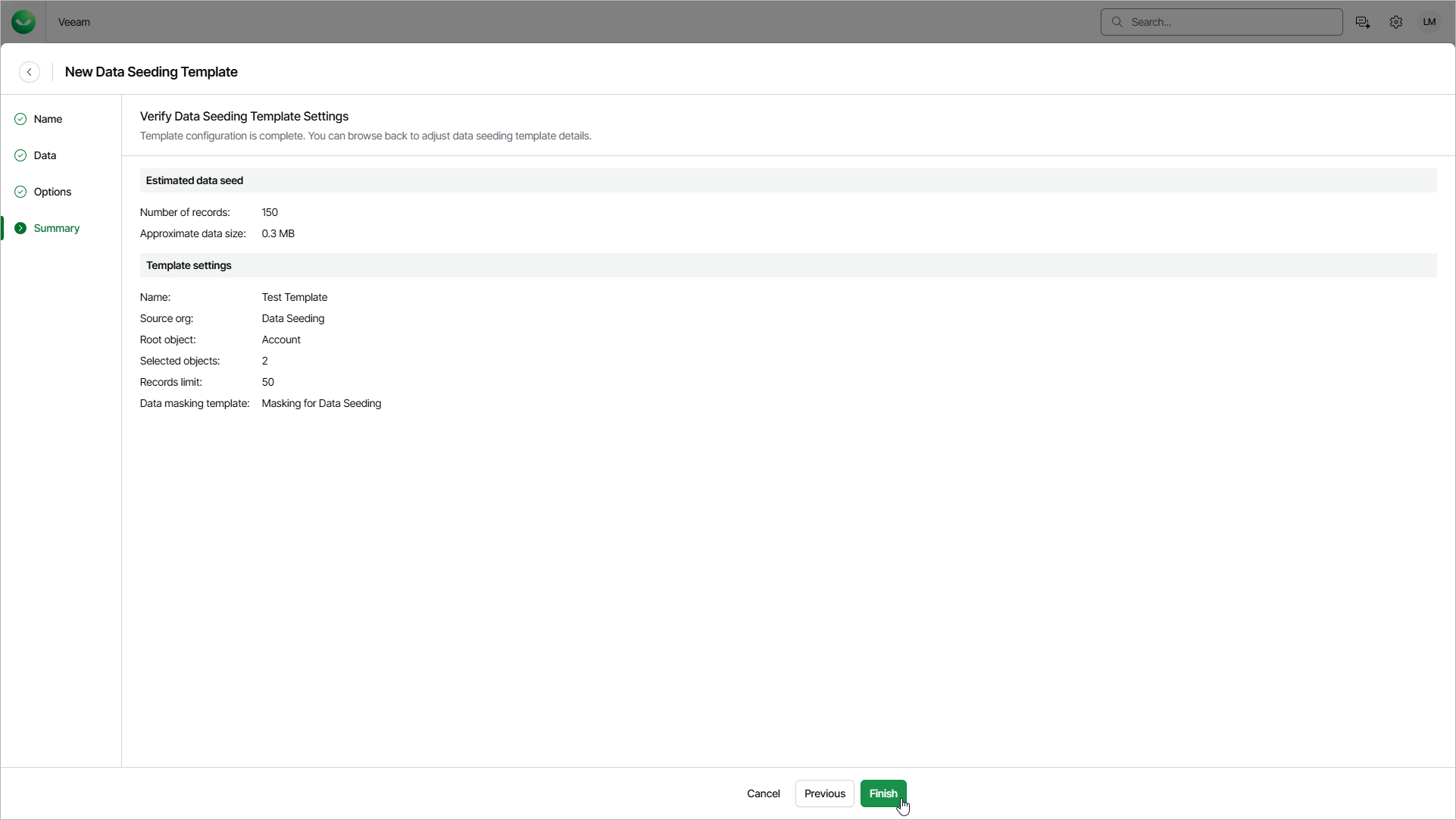
At the Summary step of the wizard, review the template settings and click Finish.
In the Estimated data seed section, Veeam Data Cloud displays the approximate number of records that will be seeded and the approximate size of the data. The estimate is based on the average record size of 2 KB and may exceed the actual values, because it also includes parent records that may need to be created for the selected records. Use the estimate to check whether the seeded data fits the free space available in the target sandbox tenants.
After you click Finish, Veeam Data Cloud saves the template and displays it on the Data Seeding Templates tab. You can then use the template to start data seeding jobs as described in section Starting and Stopping Data Seeding Jobs.