This is an archive version of the document. To get the most up-to-date information, see the current version.
Step 5. Specify VM Processing Order
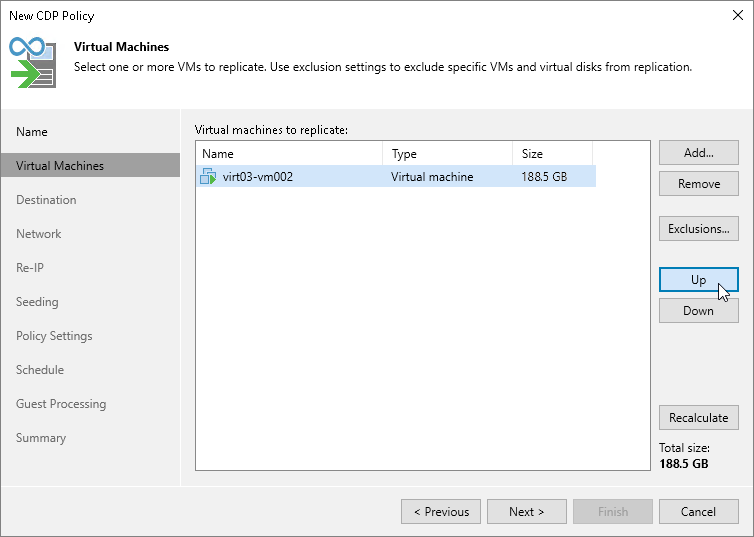
At the Virtual Machines step of the wizard, click Up and Down to change the processing order. VMs at the top of the list have a higher priority and will be processed first.
|
Note |
|
Consider the following:
|