This is an archive version of the document. To get the most up-to-date information, see the current version.
Step 4. Apply File Share Settings
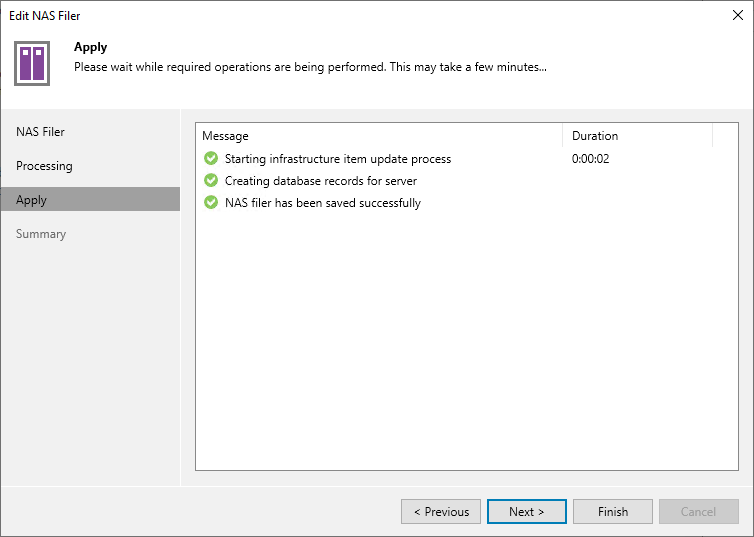
At the Apply step of the wizard, wait till Veeam Backup & Replication installs and configures all required components. Click Next to complete the procedure of adding the storage system as a NAS filer.