This is an archive version of the document. To get the most up-to-date information, see the current version.
Step 2. Select VM
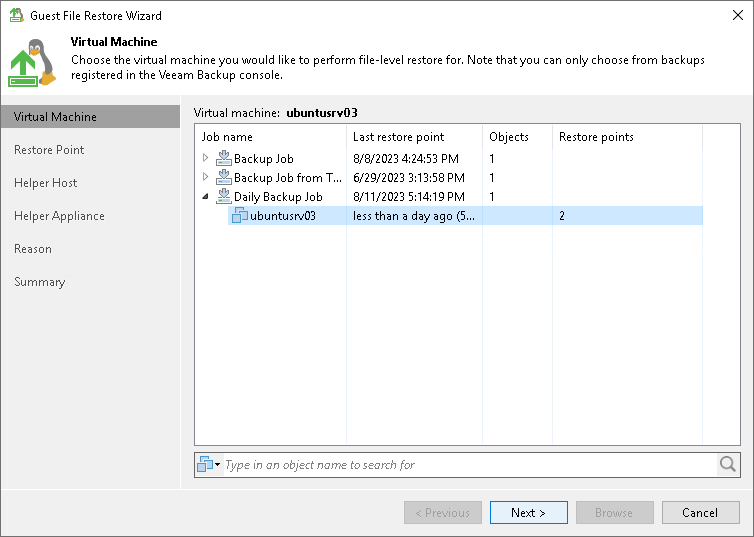
At the Virtual Machine step of the wizard, select the VM whose guest OS files you want to restore:
- In the Virtual machine list, expand the necessary backup.
- Select the VM.