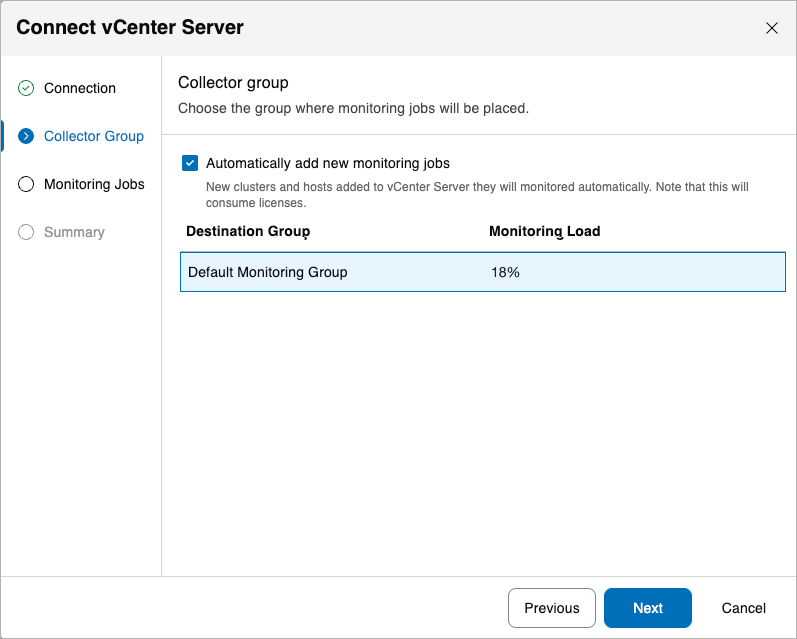
Step 3. Choose Collector Group
At the Collector Group step of the Connect vCenter Server wizard, choose a destination group where all monitoring jobs will be placed. To help you choose a group, Veeam Management Pack provides the total monitoring load for the entire group (including both existing and new jobs) — the load is calculated based on the total number of objects in the target vCenter Server (such as hosts, VMs, datastores and so on).
In this example, there is only one default group that has been automatically created by Veeam MP for VMware during installation.
Tip |
|
If you want new clusters and hosts in the vCenter Server to be automatically added to this group, select the Automatically add new monitoring jobs check box. |