Selecting Workload
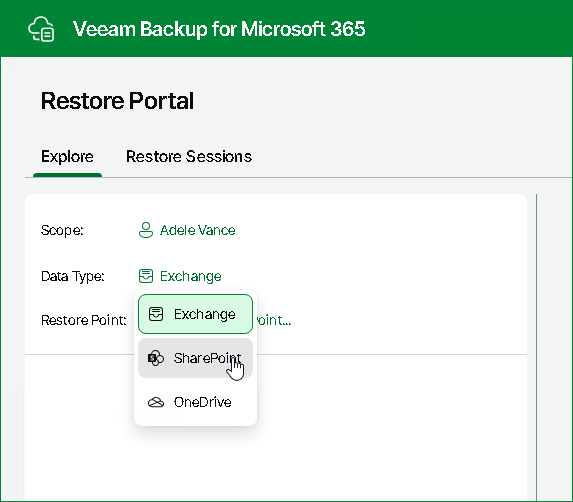
After logging in to Restore Portal in the self-service restore scenario or after selecting an object to manage in the operator restore scenario, Restore Portal requires a workload that contains backed-up data you want to explore and restore to be selected.
You can select one of the following workloads:
- Exchange. This workload is available for objects of the User type.
- SharePoint. This workload is available for objects of the User and Site types.
- OneDrive. This workload is available for objects of the User type.
- Teams. This workload is available for objects of the Team type.
To select a workload that contains backed-up data you want to explore and restore, do the following:
- Click the name of the workload that was last managed for the selected scope.
- From the Data Type drop-down list, select a workload that you want to use.