Disabling Backup Job
You can disable BR*Tools backup jobs in the Veeam Backup & Replication console. If you disable the job, you will not be able to run BR*Tools backup commands on the SAP on Oracle server.
To disable a backup job:
- Open the Home view.
- In the Home view, expand the Jobs node in the inventory pane and click Applications.
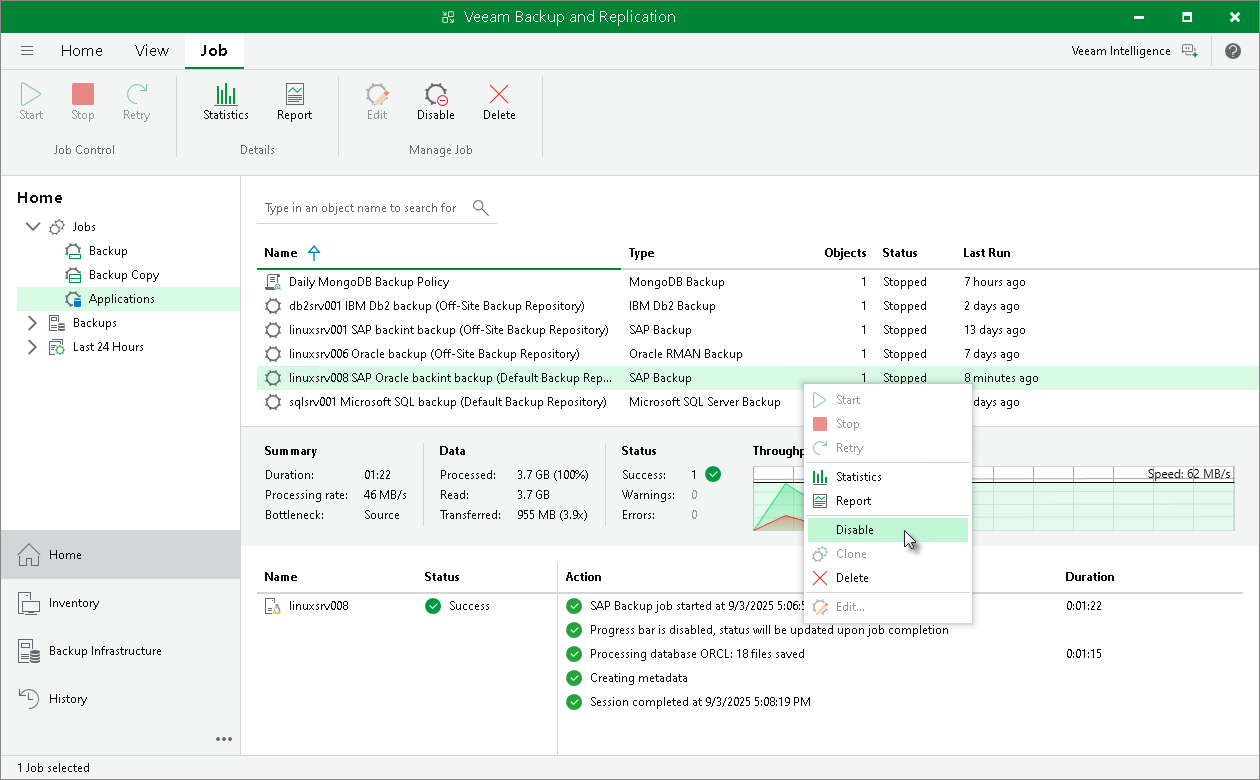
- In the working area, select the necessary job and click Disable on the ribbon. You can also right-click the job and select Disable.