Step 7. Configure Network Settings
[This step applies only if you have selected the Restore to a new location, or with different settings option at the Restore Mode step of the wizard]
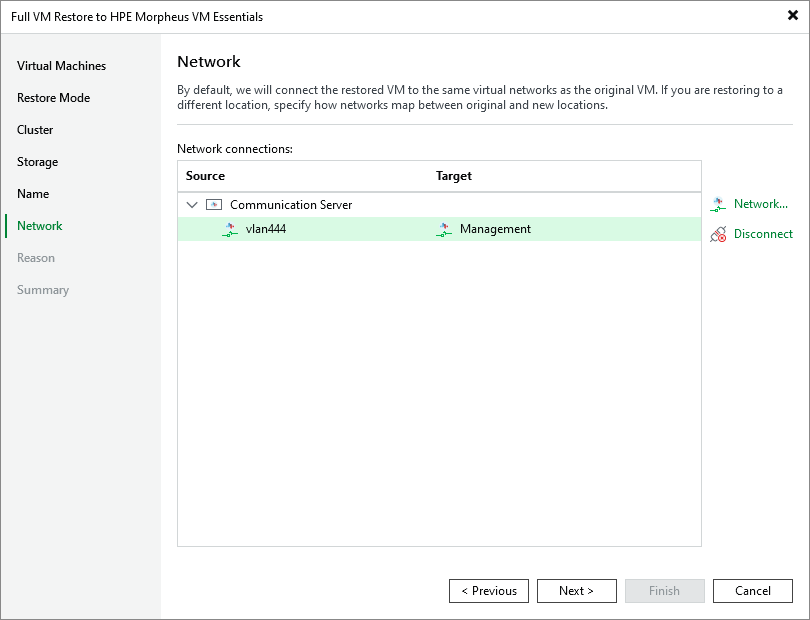
At the Network step of the wizard, choose a network to which the recovered VM will be connected. For a network to be displayed in the list of available networks, it must be configured in the virtual environment as described in HPE Morpheus VM Essentials documentation.
|
Tip |
|
By default, Veeam Backup & Replication will try to connect each recovered VM to the original network. If you restore multiple VMs at a time and you want to specify new networks, you can click Disconnect to clear target networks for all VMs at once. Then, you will have to specify a new network for each VM to proceed. |