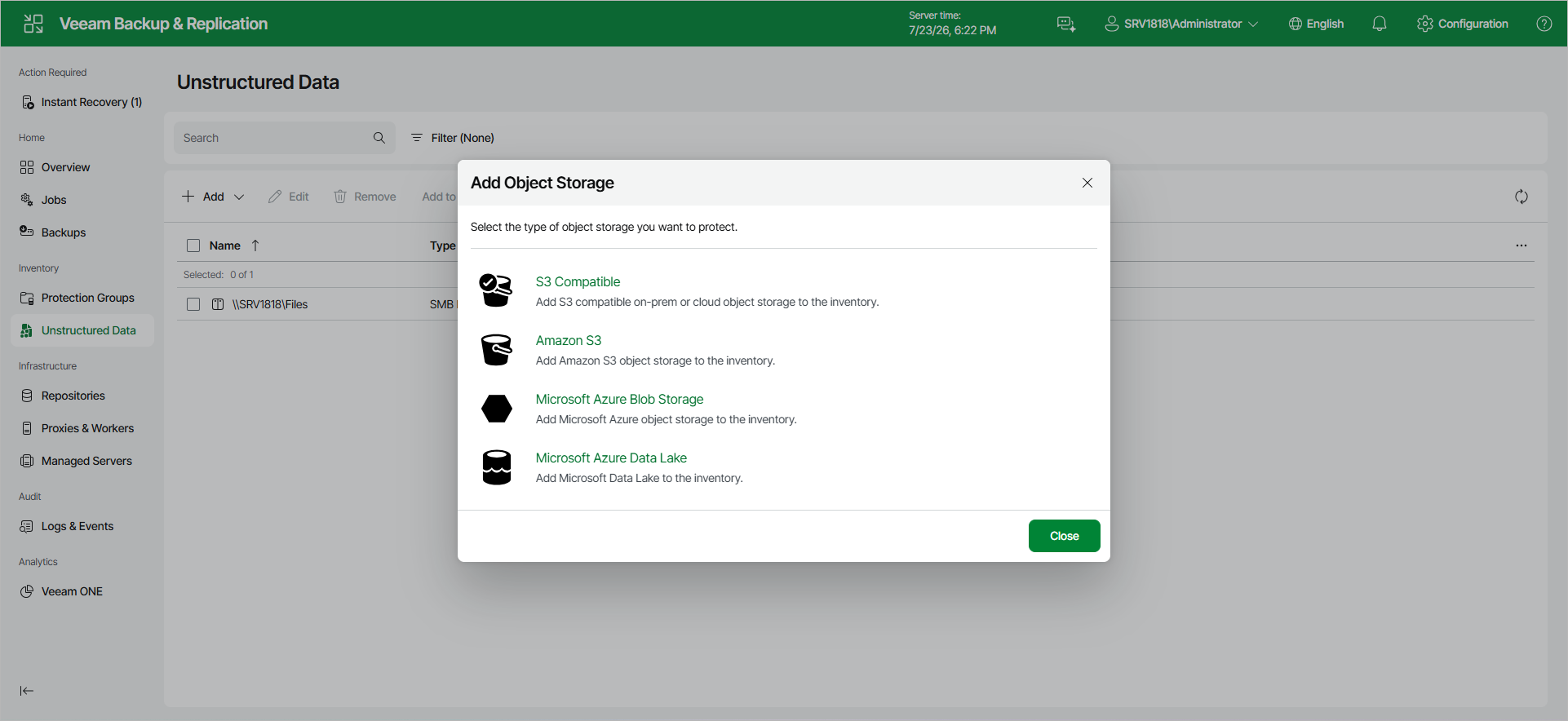
Step 1. Launch New Object Storage Wizard
To launch the New Object Storage wizard, do the following:
- Open the Unstructured Data node in the management pane.
- Click Add.
- From the drop-down list, select Object Storage.
- In the Add Object Storage window, select S3 Compatible.