Step 3. Specify Export Location
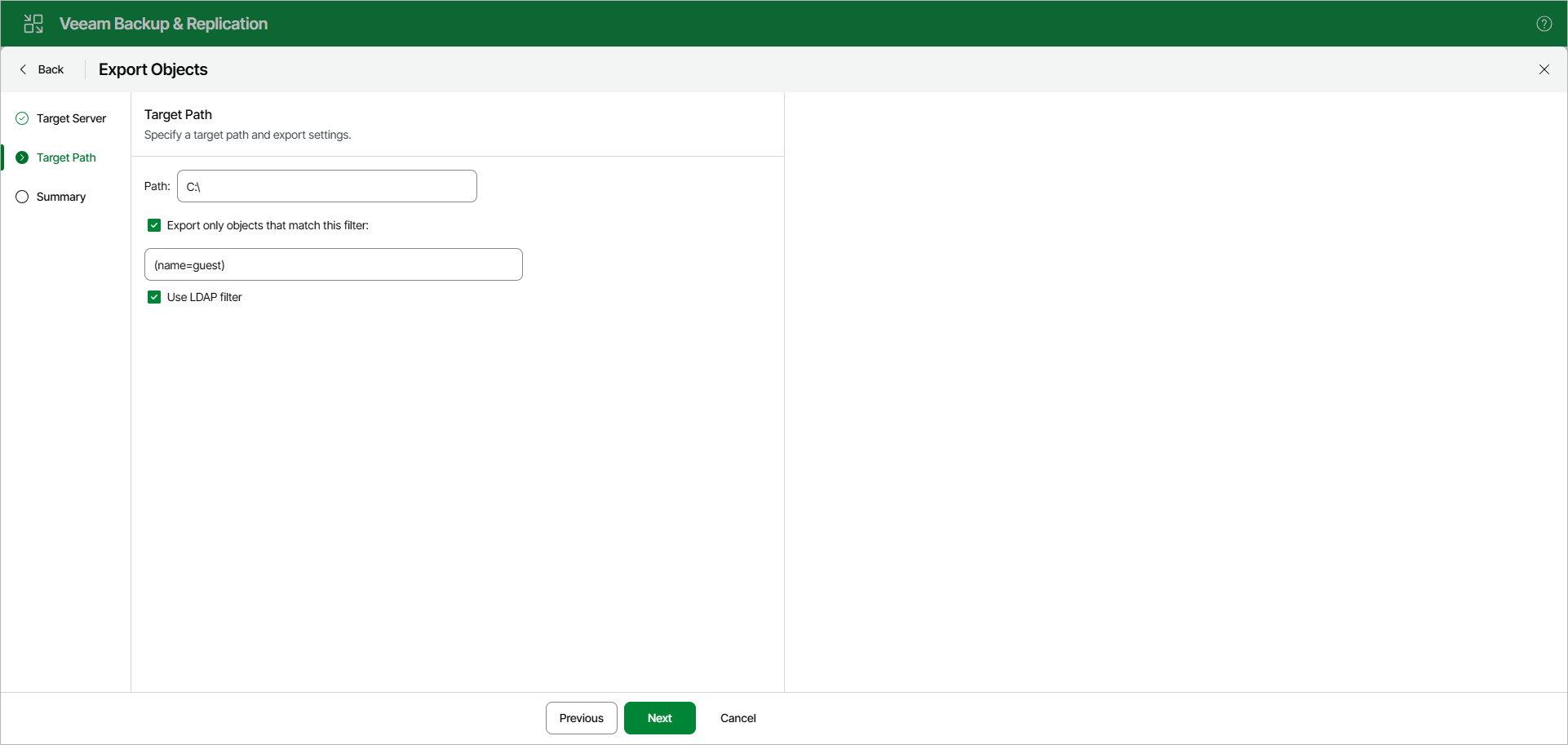
At the Target Path step, do the following:
- In the Path field, specify the path to the folder on the target Windows server to which you want to export the data.
- To export only objects that match a specific filter, select the Export only objects that match this filter check box and specify the filter in the following field.
- Select the Use LDAP filter check box to apply the specified filter as an LDAP search filter.
Note |
The account you are using must have a sufficient permission level to access the selected directory (Read and Write as minimum recommended). |