Exporting Objects to Custom Location
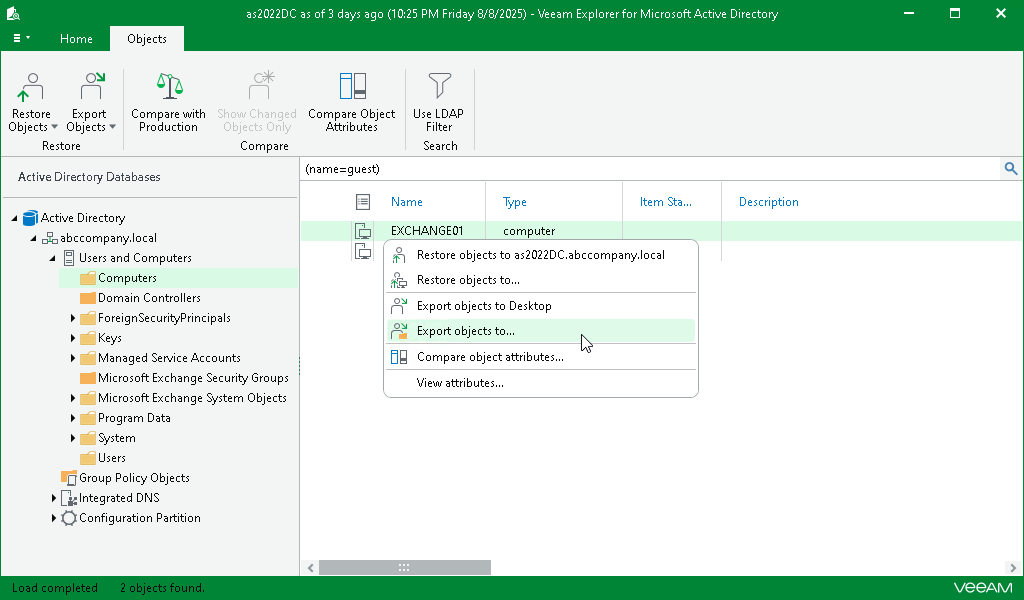
To export Active Directory objects to a custom location, do the following:
- In the preview pane, select an object.
- On the Objects tab, select Export Objects > Export objects to or right-click an object and select Export objects to.
- Specify the destination folder and click Save.