Restoring Permissions
|
NOTE |
|
This operation is available only for backups of Microsoft Windows computers. |
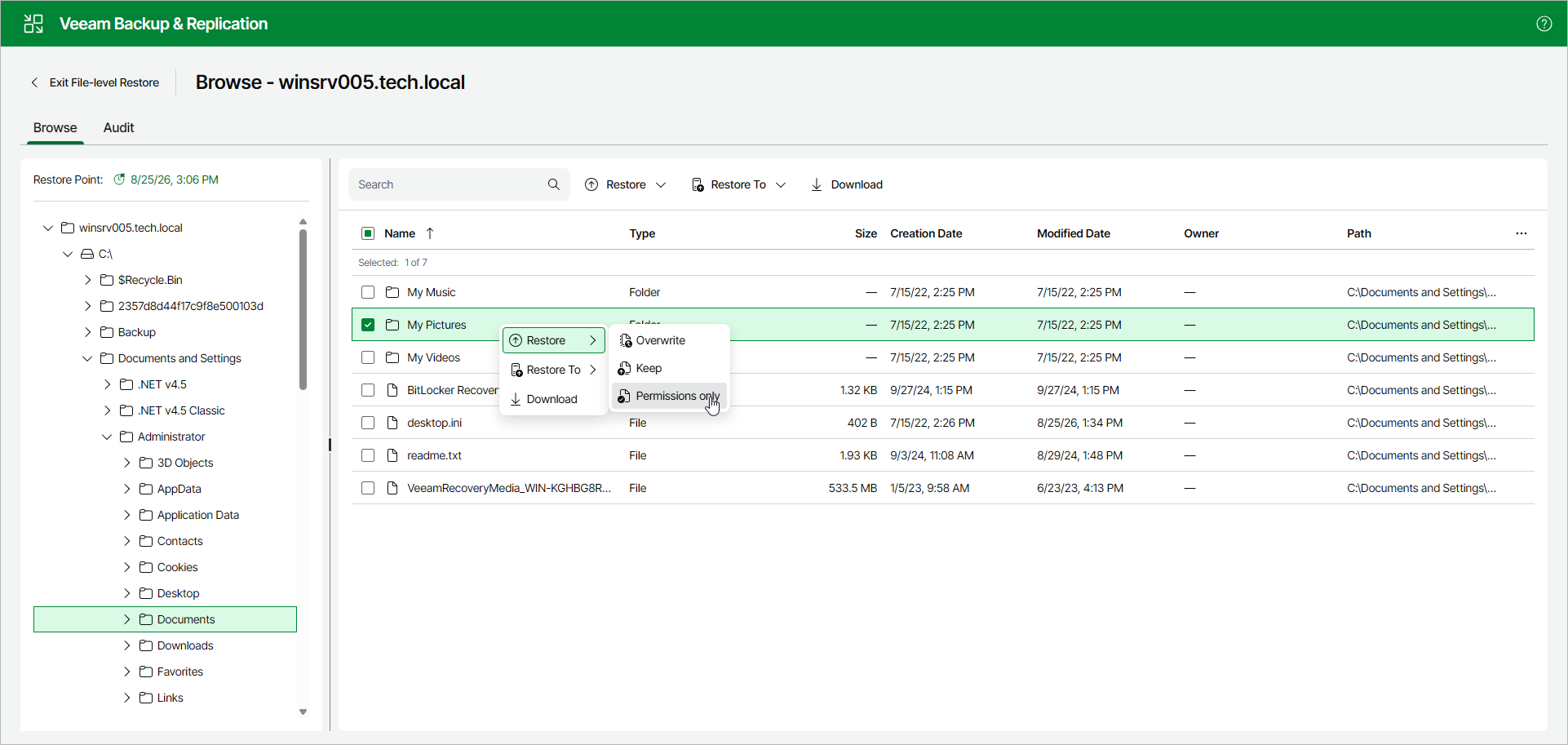
To restore only NTFS permissions of the original files and folders, do the following:
- Select the necessary files and folders in the working area.
- Right-click one of the selected items and select Restore > Permissions only. Alternatively, you can select the same command on the ribbon.