Collecting Object Properties
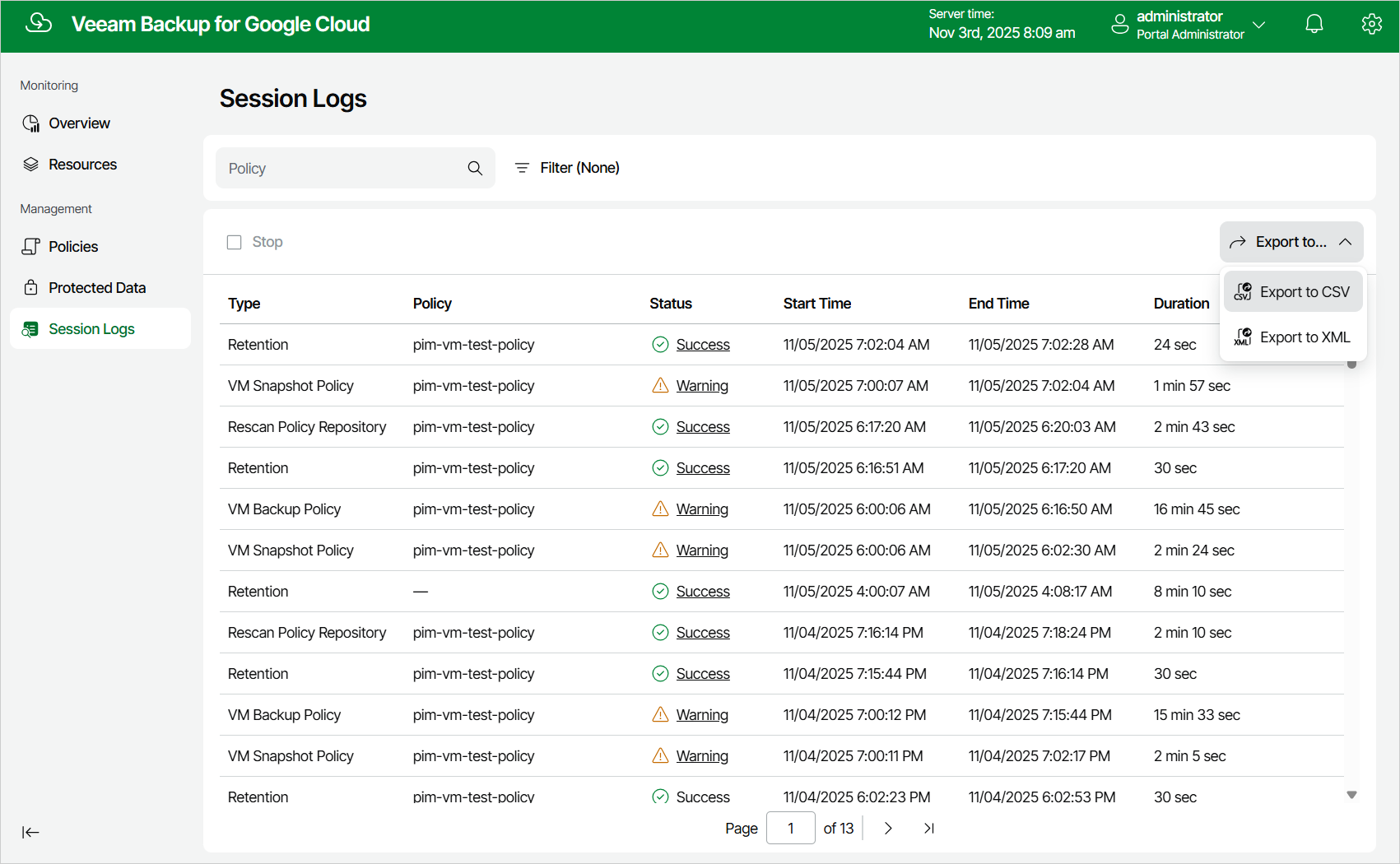
You can export properties of objects managed by Veeam Plug-In for Google Cloud as a single .CSV or .XML file. To do that, navigate to the necessary tab and click Export. Veeam Plug-In for Google Cloud will save the file with the exported data to the default download directory on the local machine.
|
Note |
|
Even if you try to export properties of a specific object, Veeam Plug-In for Google Cloud will still export all properties of all objects present on the currently opened tab. |