Removing Backup from Configuration
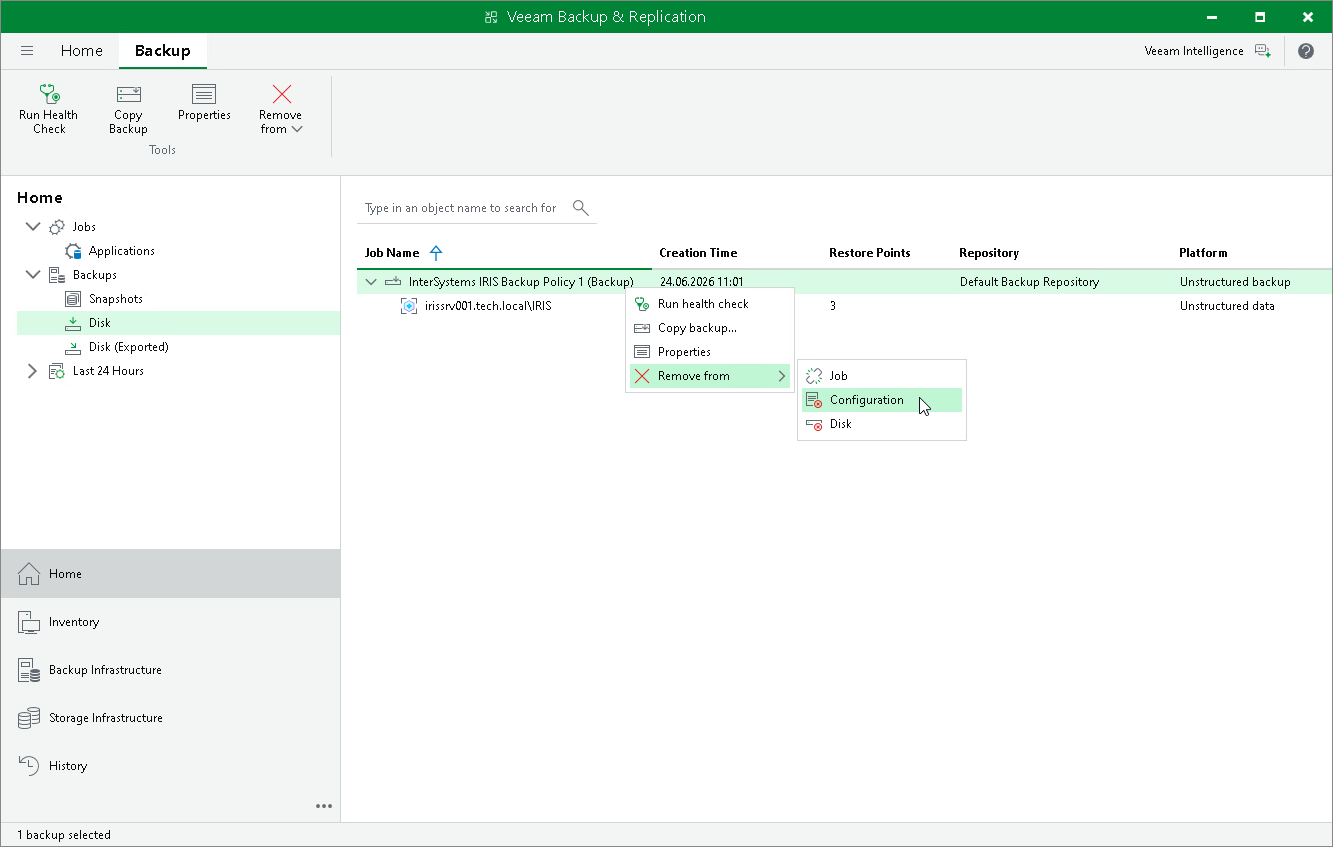
If you want to remove records about the application backup created by an InterSystems IRIS backup policy from the Veeam Backup & Replication console and configuration database without deleting the backup files from the backup repository, you can use the Remove from Configuration operation. The backup files remain on the backup repository and can be imported to Veeam Backup & Replication at any time. This operation is intended for experienced Veeam Backup & Replication users.
To remove an application backup from configuration:
- Open the Home view.
- In the inventory pane, click Backups.
- In the working area, expand the parent backup, select the necessary InterSystems IRIS instance backup, press and hold the [Ctrl] key, right-click it and select Remove from > Configuration.