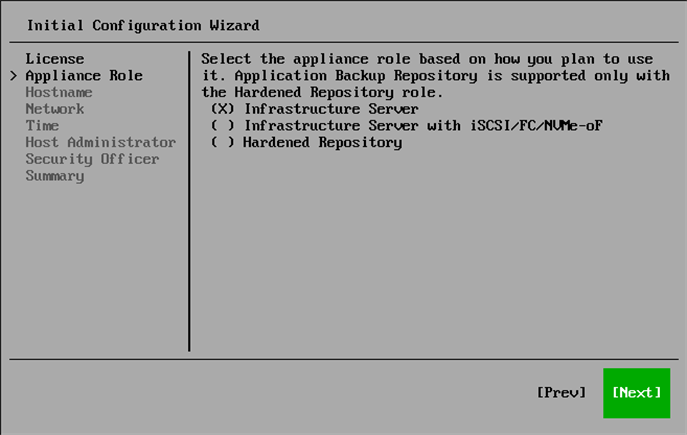
Step 5. Select Appliance Role
At the Appliance Role step of the Initial Configuration wizard, Infrastructure Server is selected by default. Select one of the following appliance roles:
- Infrastructure Server
- Infrastructure Server with iSCSI/FC/NVMe-oF
Note |
You must select this role when you plan to deploy a VMware backup proxy for backup from storage snapshots using the iSCSI, FC, or NVMe-oF protocol. For more information on proxies, see VMware Backup Proxies. |
- Hardened Repository
Note |
|
When selecting Hardened Repository, consider the following:
|