Updating Helper Appliance Template
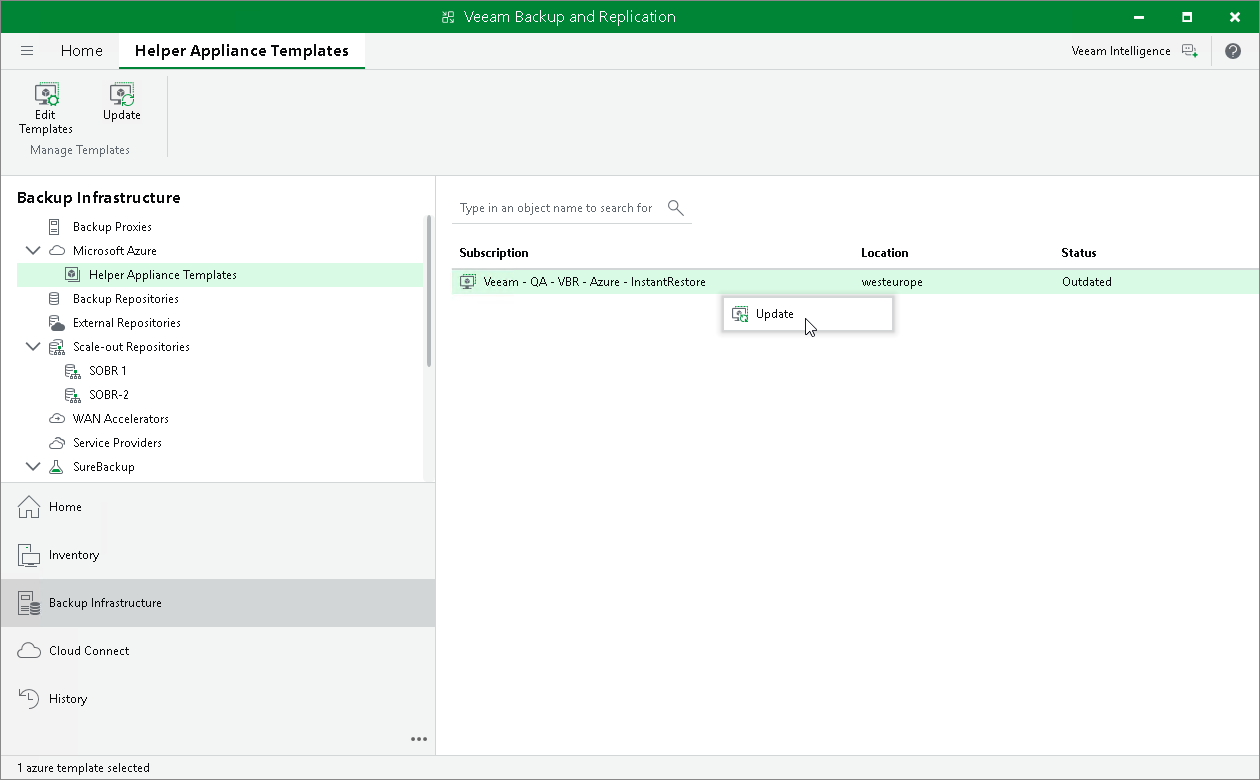
To update a helper appliance template, do the following:
- Open the Backup Infrastructure view.
- In the navigation pane, select Microsoft Azure.
- In the working area, select the required templates.
- Click Update on the ribbon. Alternatively, right-click the template and select Update.