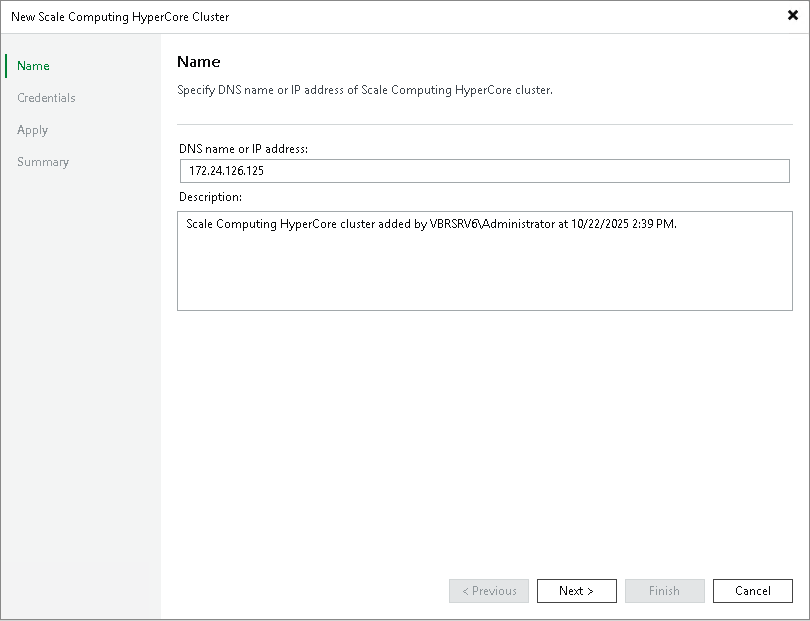
Step 2. Specify Domain Name or IP Address of Scale Computing HyperCore Cluster
At the Name step of the wizard, do the following:
- In the DNS name or IP address field, enter the FQDN or IP address of the Scale Computing HyperCore standalone host or cluster node.
- In the Description field, provide a description for future reference. The field already contains a default description with information about the user who added the cluster, date and time when the cluster was added.
|
Note |
|
It is recommended that you specify the FQDN or IP address of a single cluster node. If you specify a DNS name that resolves to multiple cluster nodes, for example, a round-robin DNS record, backup jobs may fail. If you still want to use such a DNS name, do one of the following before you add the cluster:
|