Restoring Containers to Original Location
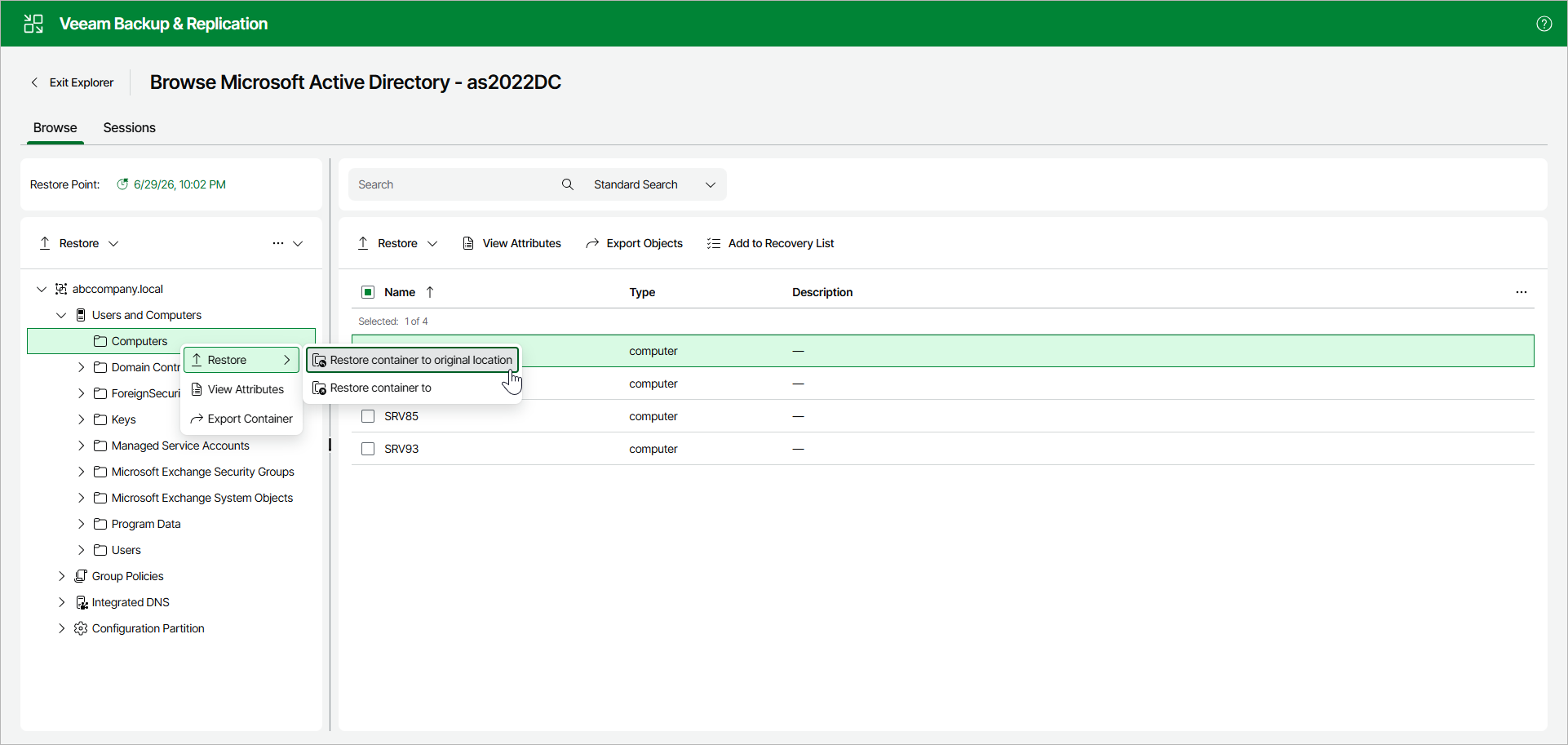
To restore a container to the original location, open the Browse tab and do the following:
- In the navigation pane, select a container.
- In the upper part of the navigation pane, select Restore > Restore container to original location.
Alternatively, you can open the Browse tab, right-click the container and select Restore > Restore container to original location.
Consider the following:
- Both changed and deleted objects will be restored.
- All the attributes will be restored.
- Attribute values and security descriptors will be replaced with that of a backup file.
|
Note |
|
Before the restore process begins, you will be prompted to enter the source machine credentials. |