Enabling and Disabling Workers
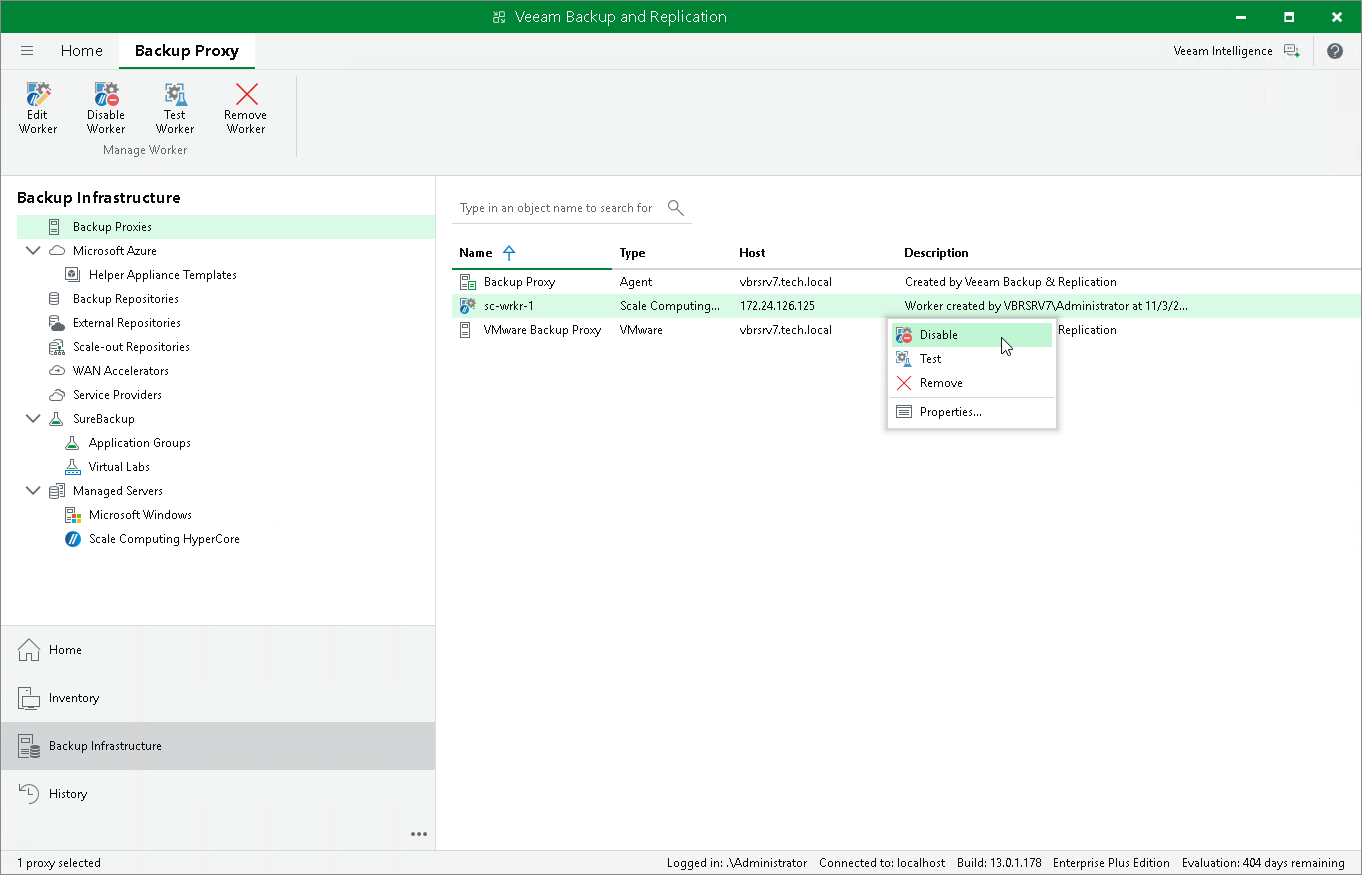
By default, workers are launched when jobs or restore sessions start. However, you can temporarily disable a worker — this may be helpful when you reconfigure a worker and you do not want it to be used for a backup or restore operation. You will still be able to enable the disabled worker at any time you need.
To enable or disable a worker, do the following:
- Open the Backup Infrastructure view.
- In the inventory pane, select Backup Proxies .
- In the working area, select the necessary worker and click Disable Worker or Enable Worker on the ribbon.
Alternatively, right-click the worker and select Disable or Enable .