Step 1. Launch Restore Wizard
To launch the Restore wizard, do the following:
- In the preview pane, select an object.
- On the Objects tab, select Restore Objects > Restore objects to or right-click an object and select Restore objects to.
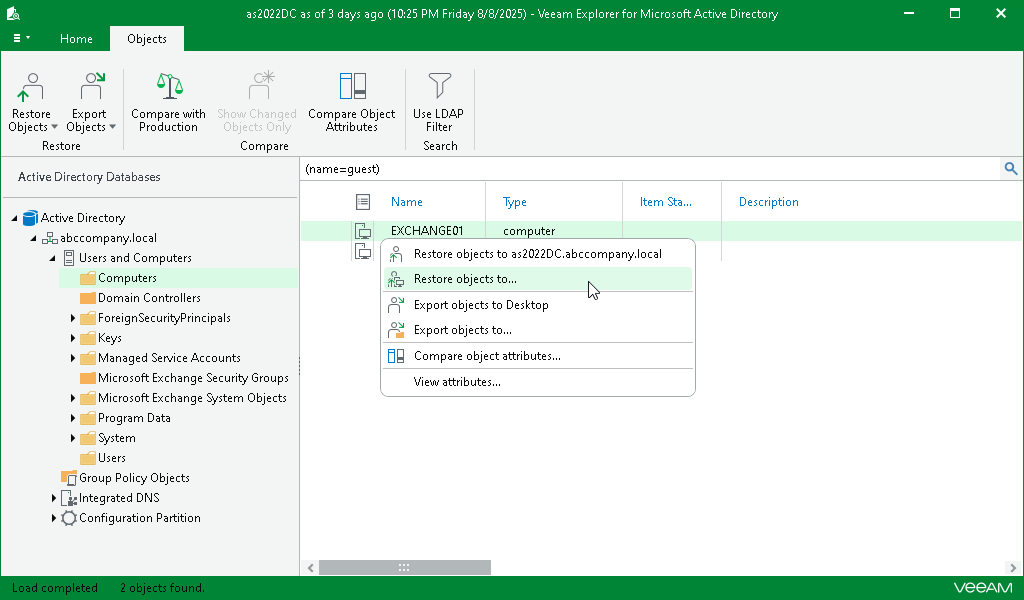
To launch the Restore wizard, do the following: