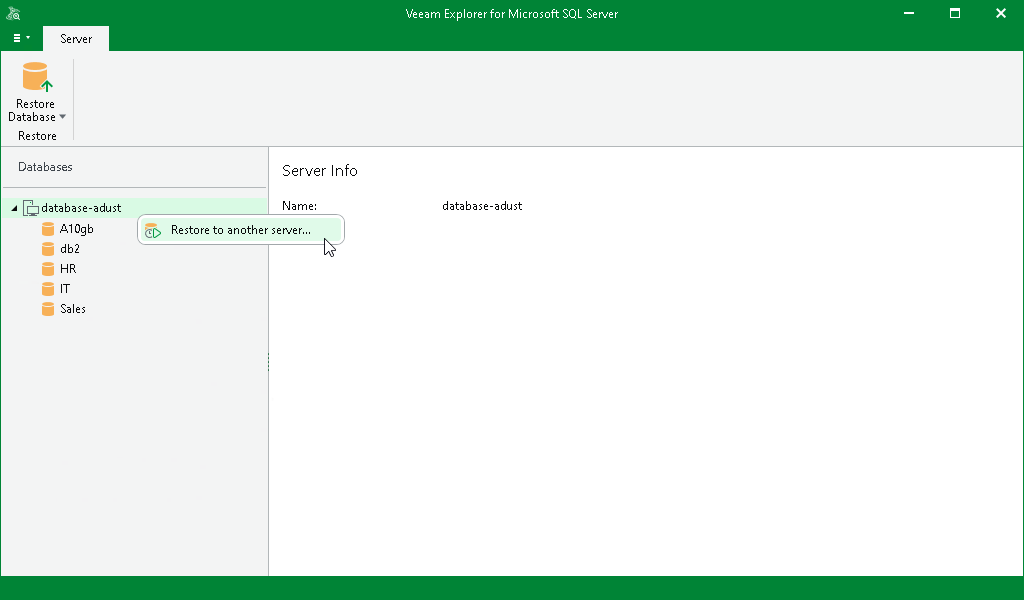
Step 1. Launch Restore Wizard
To launch the Restore wizard, do the following:
- In the navigation pane, select an instance or server.
- On the Instance or Server tab, select Restore Database > Restore to another server.
Alternatively, you can right-click an instance or the server and select Restore to another server.
All databases will be restored to the latest available full restore point.