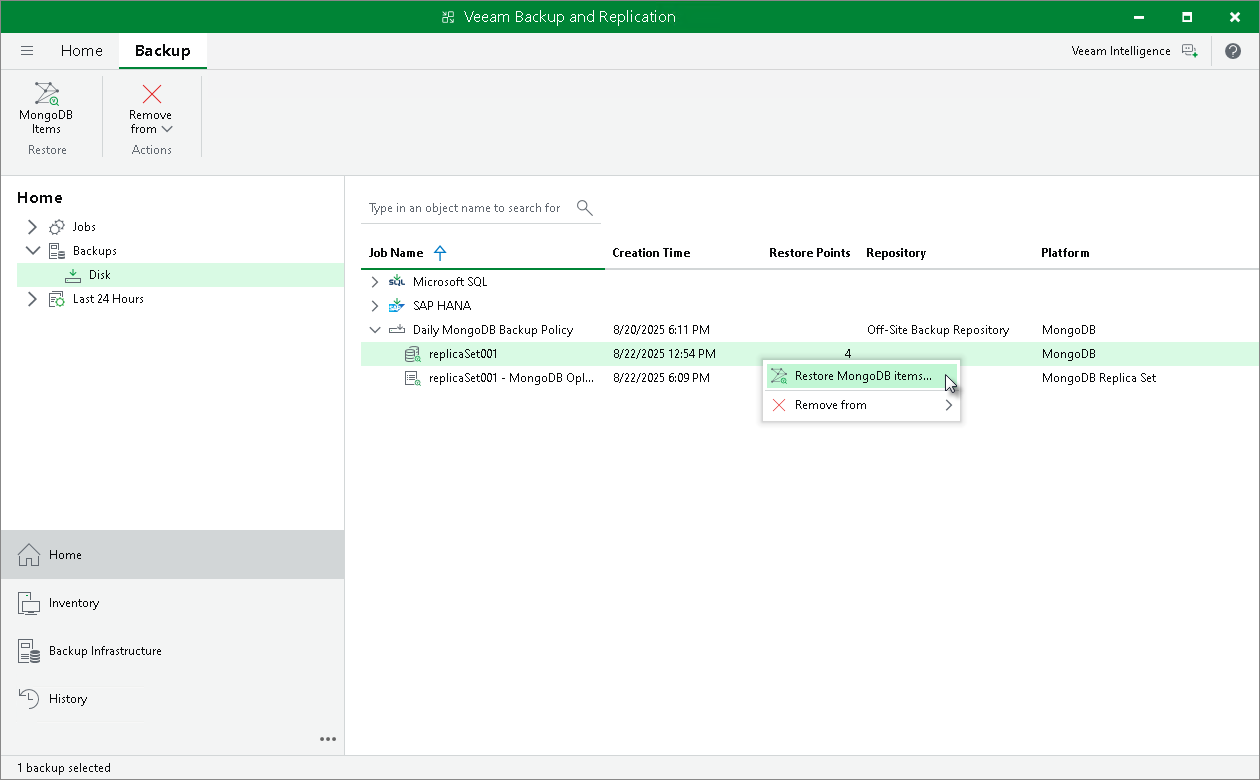
Step 1. Launch MongoDB Items Restore Wizard
To launch database from an application backup:
- Open the Home view.
- In the inventory pane, click Backups.
- In the working area, select the MongoDB backup, then click MongoDB Items on the ribbon or right-click the backup and select Restore MongoDB items.