Step 3. Specify Job Name and Description
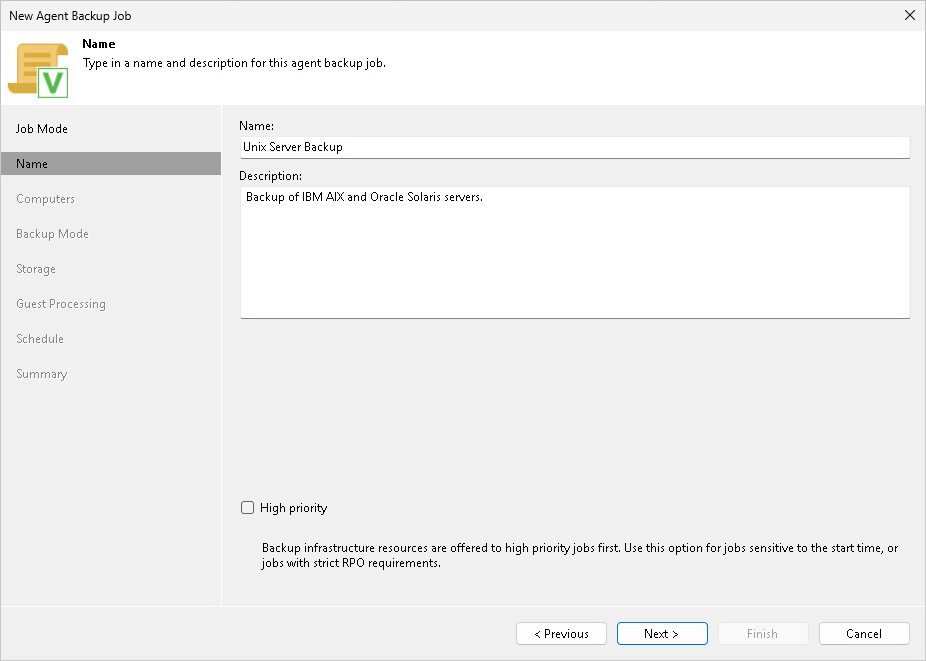
At the Name step of the wizard, specify a name and description for the Veeam Agent backup job managed by the backup server.
- In the Name field, enter a name for the backup job.
- In the Description field, provide a description for future reference. By default, the description contains information about the user who created the job and the date and time when the job was created.
- Select the High priority check box if you want the Veeam Backup & Replication resource scheduler to to give this job higher priority than similar jobs and allocate resources to it first. To learn more, see Job Priorities.