Step 4. Specify PostgreSQL Settings
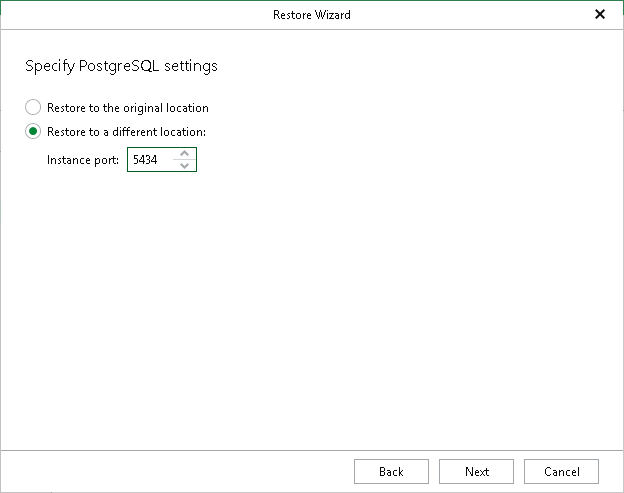
At this step of the wizard, specify the following PostgreSQL settings:
- Specify a location to which you want to restore the PostgreSQL instance:
- Select Restore to the original location to restore the PostgreSQL instance to the original data directory.
- Select Restore to a different location to restore the PostgreSQL instance to a different location.
If you selected Restore to a different location, in the Instance port field, specify an instance port, which will also serve as an instance identifier. The port must be free.