Step 3. Select Restore Point
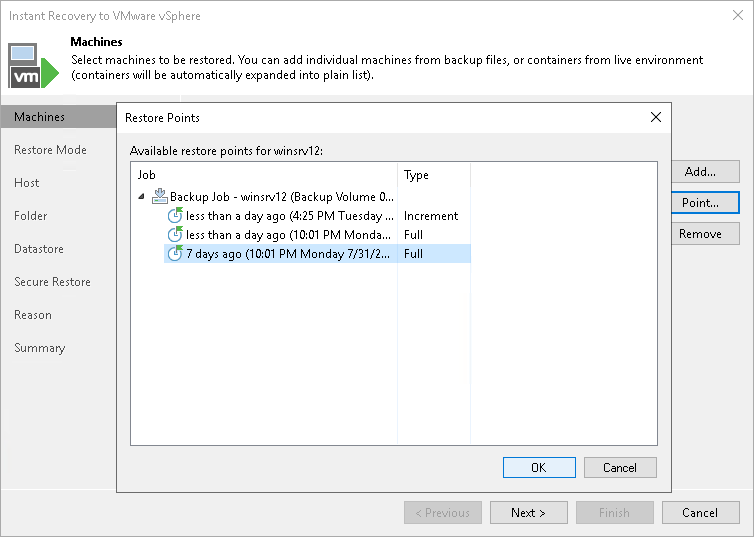
By default, Veeam Backup & Replication uses the latest valid restore point to recover workloads. You can recover a workload to an earlier state, if necessary:
- In the Machines to restore list, select a workload.
- Click Point on the right.
- In the Restore Points window, select a restore point from which you want to recover the workload.