Step 5. Select Storage
[This step applies only if you have selected the Restore to a new location, or with different settings option at the Restore Mode step of the wizard]
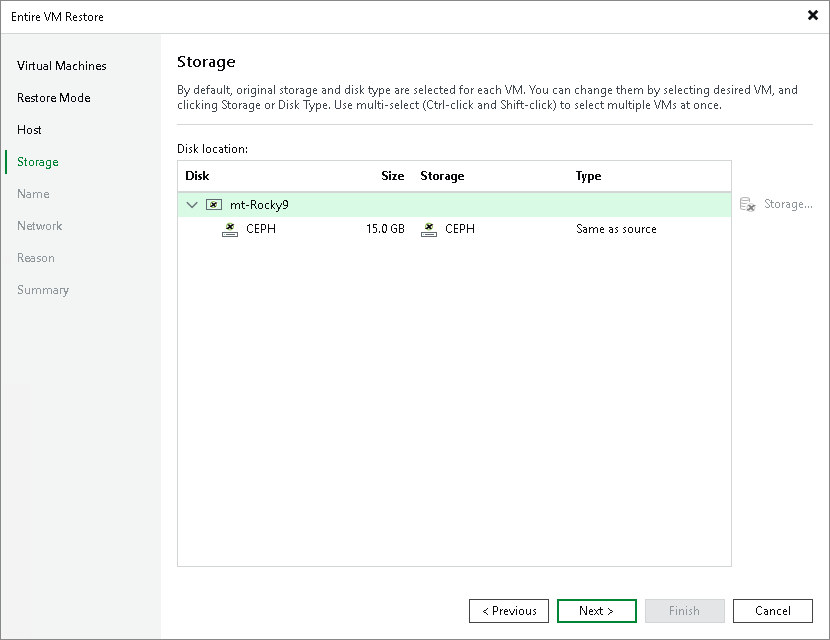
At the Storage step of the wizard, choose a storage repository where virtual disks of the recovered VM will be stored. For a storage repository to be displayed in the list of available storage, it must be configured in the virtual environment.
If you restore the VM to the original pool, Veeam Backup & Replication will automatically select the same storage repository where the original VM disks were stored at the moment of backup. If you restore the VM to a new pool, you will have to select a storage repository manually.