Restoring to Google Cloud
Veeam Backup & Replication allows you to restore Azure VMs from image-level backups created with Veeam Plug-in for Microsoft Azure to Google Cloud as VM instances. You can restore VMs to any available restore point. For more information, see Restore to Google Compute Engine.
|
Important |
|
Consider the following:
|
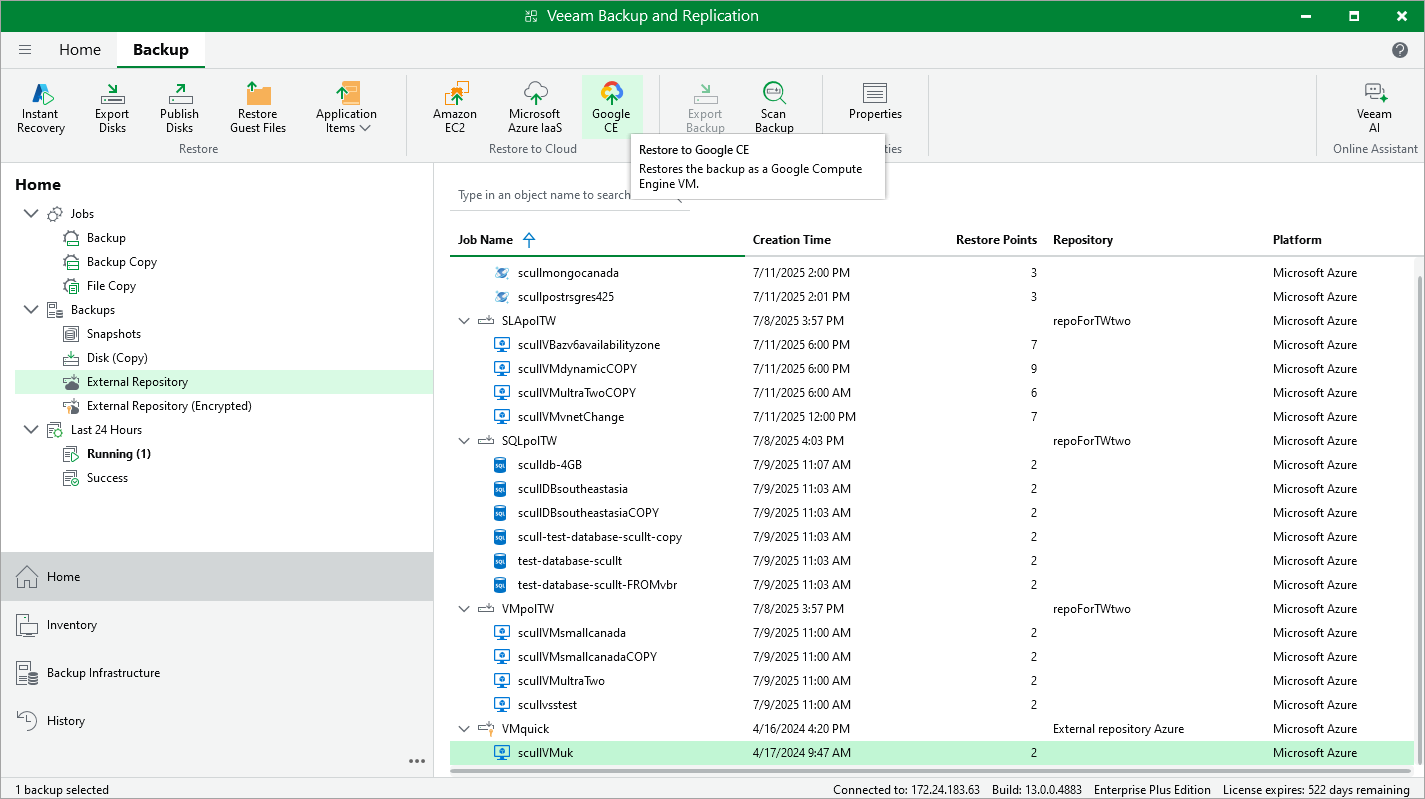
To restore an Azure VM to Google Cloud, do the following:
- In the Veeam Backup & Replication console, open the Home view.
- Navigate to Backups > External Repository.
- Expand the backup policy that protects an Azure VM that you want to restore, select the necessary VM and click Google CE on the ribbon.
- Complete the Restore to Google Compute Engine wizard as described in Restoring to Google Compute Engine.