Step 5. Define Storage Copy Schedule
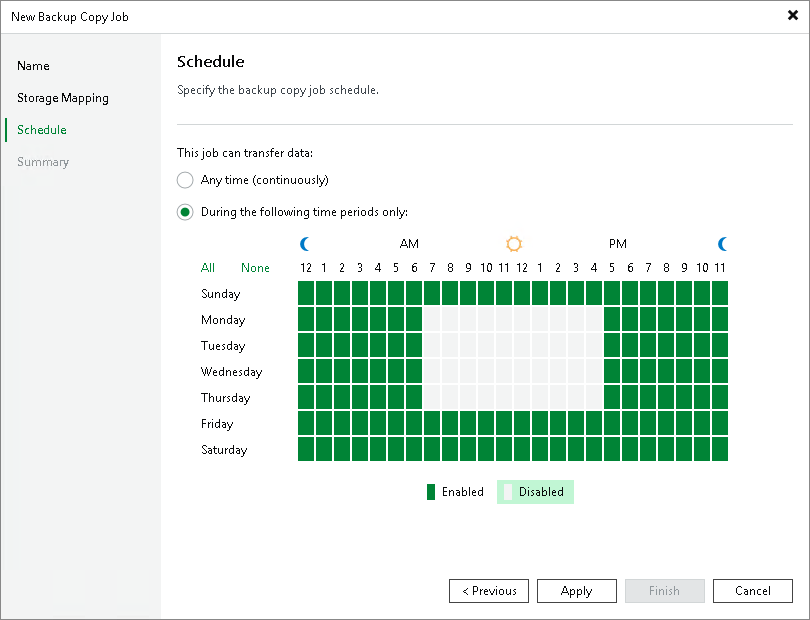
At the Schedule step of the wizard, you can define a time span in which the storage copy job will transport data between the source and target backup repositories. For more information, see Backup Copy Window.
To define a 'prohibited' period for the storage copy job:
- Select the During the following time periods only option.
- In the schedule box, select the desired time area.
- Use the Enabled and Disabled options to mark the selected time segments as allowed or prohibited for the storage copy job.
Related Topics