Editing Microsoft Entra ID Tenants
You can edit properties of the Microsoft Entra ID tenant added to the backup infrastructure. These properties include the tenant description in Veeam Backup & Replication, cache repository, application used to perform operations and authentication method used to access the application. When editing the tenant properties, you can also modify the scope of resources that the product will be able to protect for this tenant.
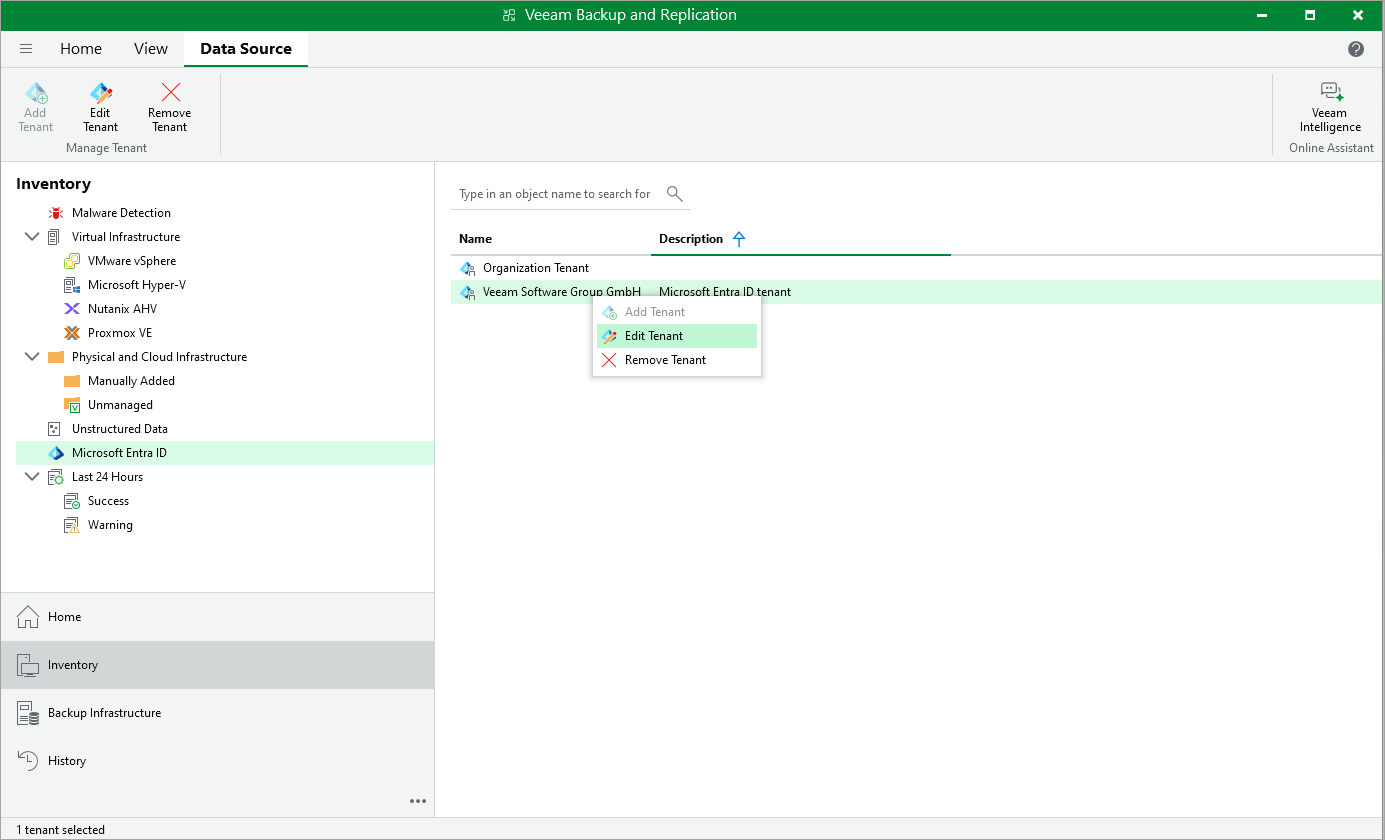
To launch the Microsoft Entra ID Tenant wizard, do the following:
- Open the Inventory view.
- In the inventory pane, click Microsoft Entra ID.
- Select the tenant that you want to edit.
- Right-click the tenant and select Edit. Alternatively, click Edit Tenant on the ribbon.
Whenever you modify the protection scope for the tenant, you must do either of the following depending on whether you chose to create a new account or use an existing one when adding the tenant to the backup infrastructure:
- If the account has been created automatically, do the following at the Authentication step of the Microsoft Entra ID Tenant wizard:
- Copy the code in the Passcode field to clipboard and click the link to the Microsoft Azure device authentication page.
- On the Microsoft Azure device authentication page, paste the code that you have copied, click Next and then select a Microsoft Azure account that will be used to access the Azure CLI.
- Back to the Microsoft Entra ID Tenant wizard, check whether any errors occurred during the authentication process and click Apply.
- If the account has been created using an existing Microsoft Entra application, assign all required permissions to the application as described in Microsoft Docs. For the list of required permissions, see Permissions.