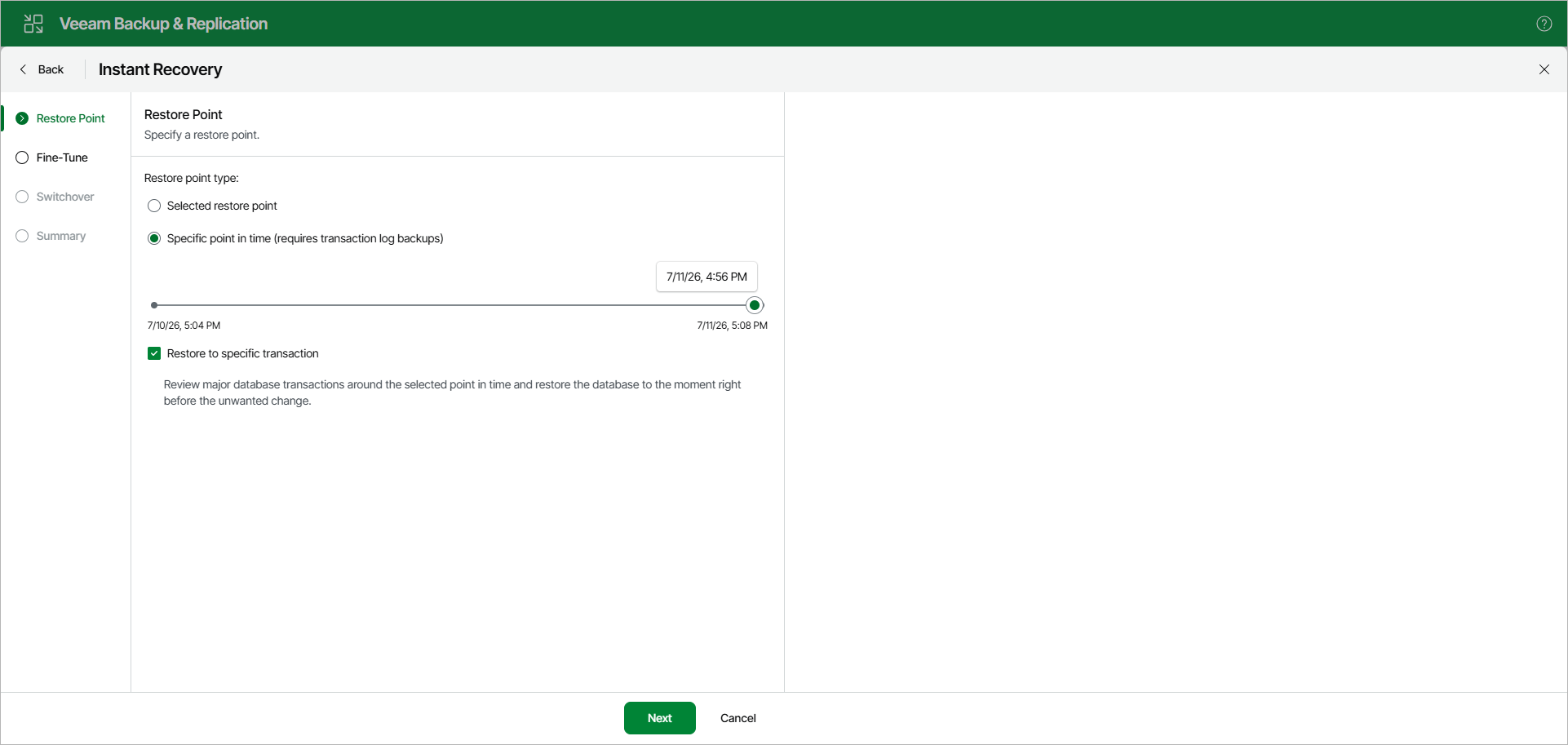
Step 2. Specify Restore Point
At the Restore Point step, select a state as of which you want to restore your database:
- Select the Selected restore point option to load database files as of the moment when the current restore point was created.
- Select the Specific point in time option to load database files as of the selected point in time. Use the slider to choose the point in time you need.
- Select the Restore to specific transaction check box to load database files exactly as of the moment before undesired transactions.
Note |
The Restore to specific transaction option requires a staging SQL server. For more information, see Configuring Staging SQL Server. |