Step 1. Launch New Custom Role Wizard
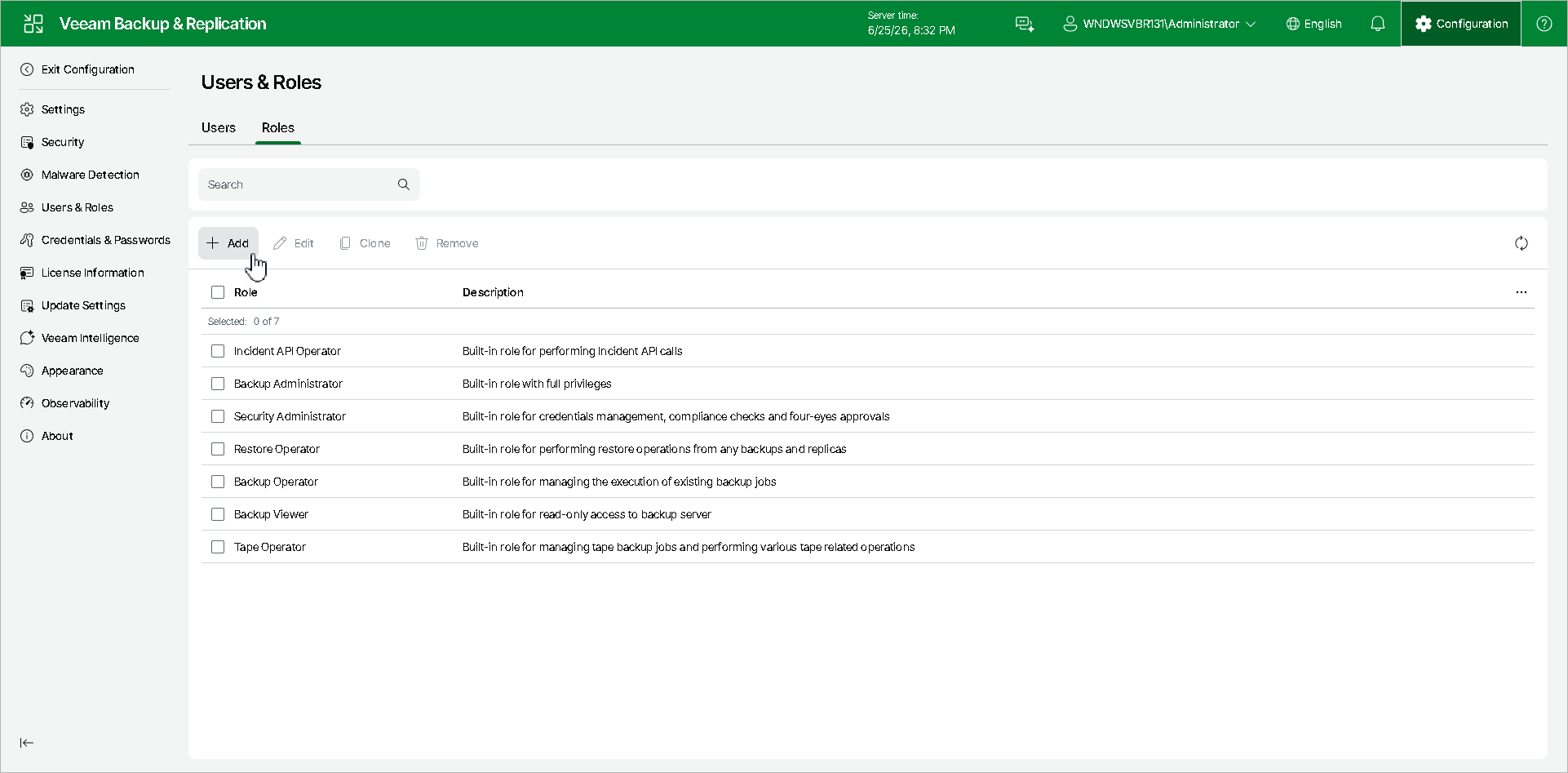
To launch the New Custom Role wizard, do the following:
- Click Configuration in the top bar.
- In the management pane, click Users & Roles.
- On the Roles tab, click Add.
To launch the New Custom Role wizard, do the following: