Step 3. Define Inventory Scope
This step is available only if you have selected the Manage backups check box at the General step of the wizard.
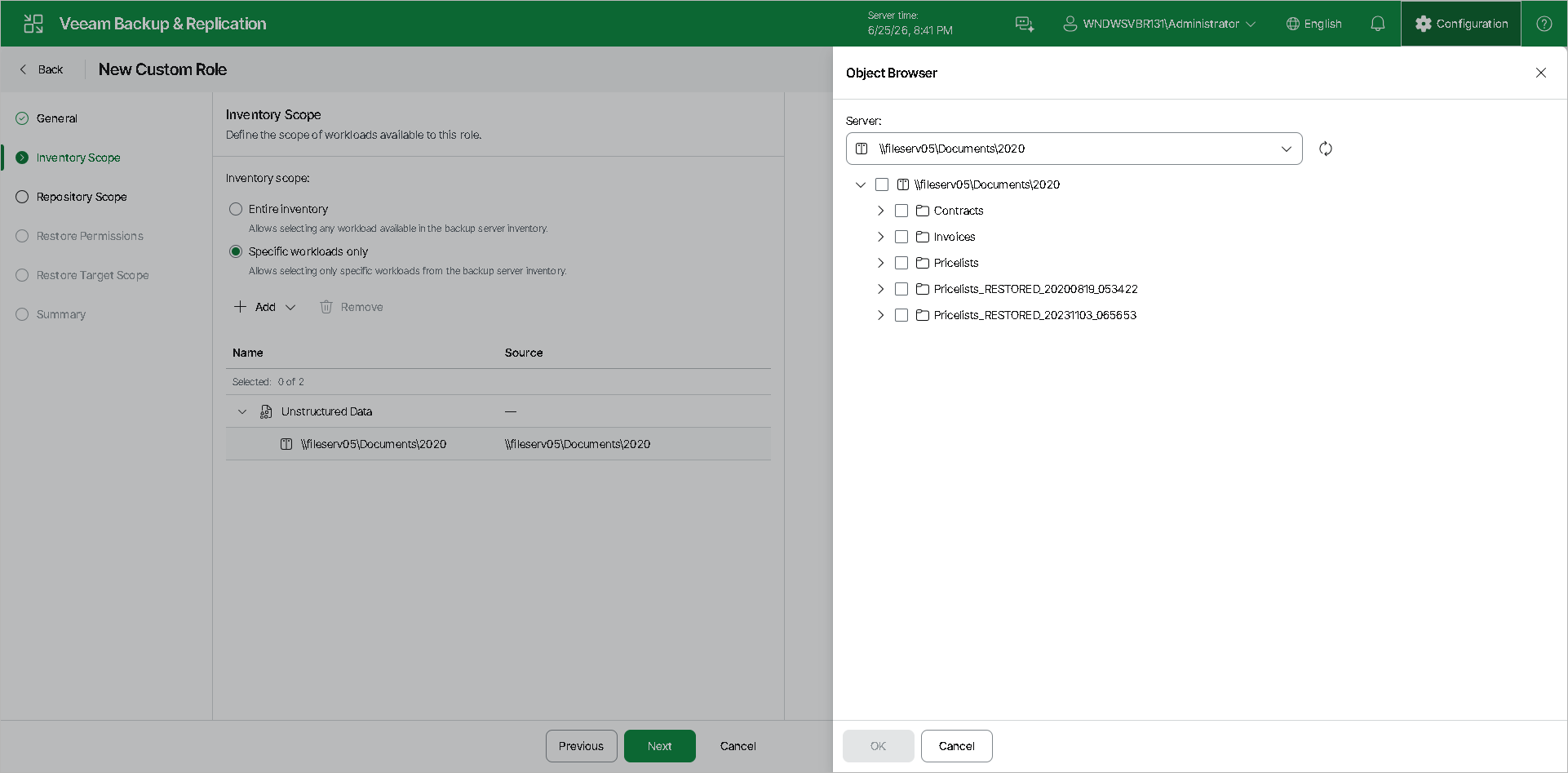
At the Inventory Scope step of the wizard, specify which workloads are available to users with this role:
- Entire inventory — grants access to all workloads managed by Veeam Backup & Replication.
- Specific workloads only — restricts access to selected workloads.
If you have selected the Specific workloads only option, click Add and select the necessary workloads in the Object Browser that opens on the right. You can add workloads from the following categories:
- Virtualization — VMware vSphere, Microsoft Hyper-V, Nutanix AHV or Proxmox VE virtual machines.
- Physical infrastructure — physical servers and workstations.
- File shares — NFS and SMB file shares.
- Object storage — object storage repositories.
- Specific jobs — individual backup or backup copy jobs.
|
Note |
|
A job you add to this scope is not shown in the Jobs node and cannot be run or edited directly. It is available only as a source in the New Backup Copy Job wizard. |