Removing Redshift Clusters Backups Created Manually
To remove all backups created for a Redshift cluster manually, follow the instructions provided in the Removing Redshift Backups section. If you want to remove a specific Redshift backup created manually, do the following:
- Navigate to Protected Data > Databases > Redshift .
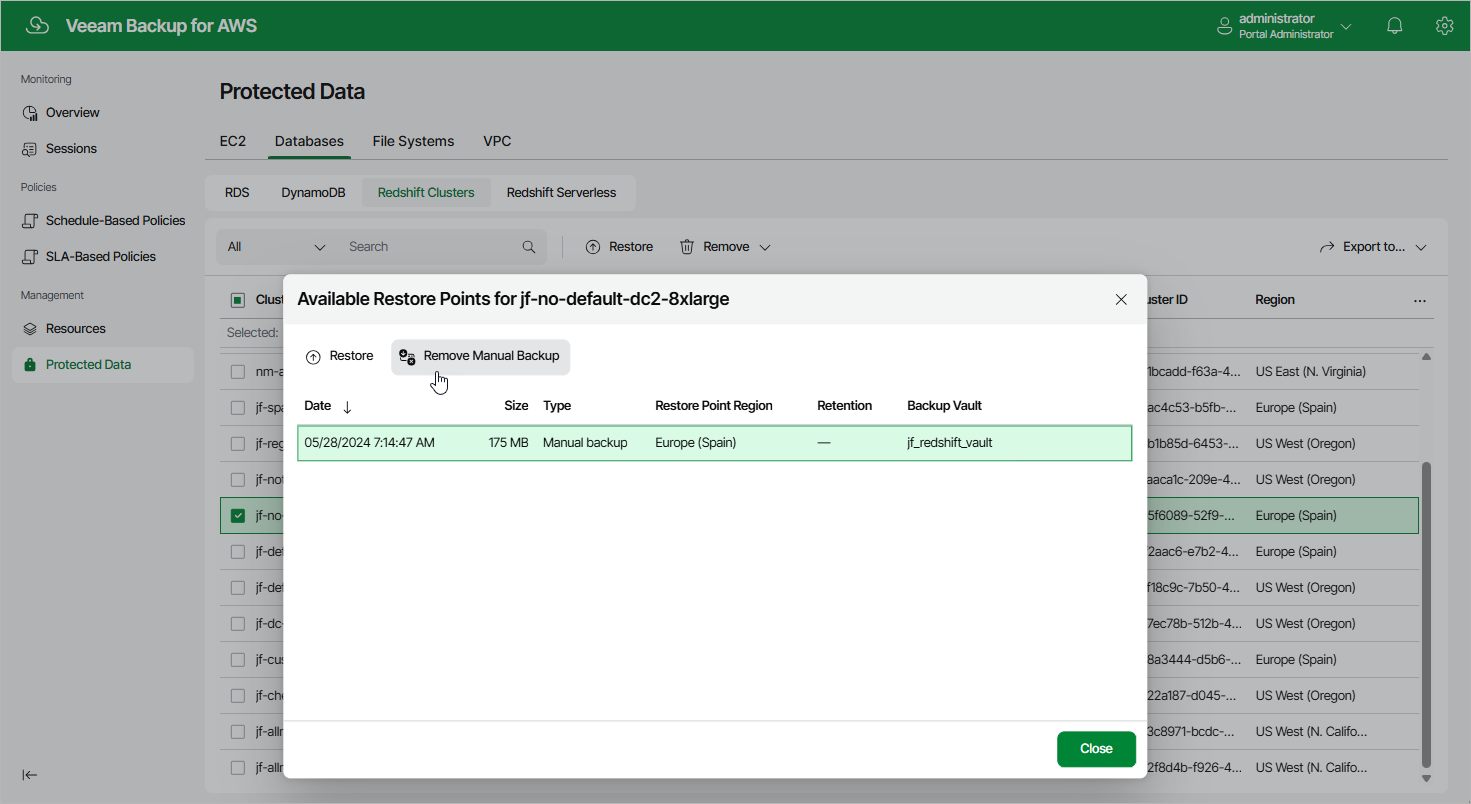
- Select the necessary cluster, and click the link in the Restore Points column.
- In the Available Restore Points window, select a backup that you want to remove, and click Remove Manual Backup .
Related Topics