Viewing Backup Policy Statistics
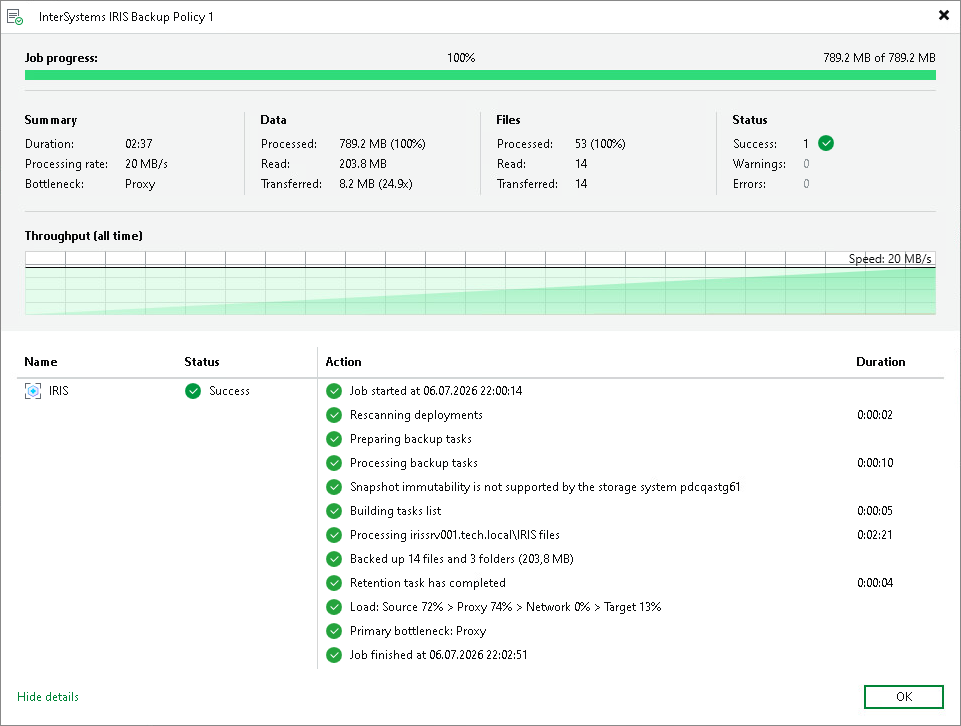
You can view statistics about application backup policies configured in Veeam Backup & Replication. Veeam Backup & Replication displays statistics in the following way:
After the application backup policy session statistics become available in Veeam Backup & Replication, they appear in the policy statistics window. The policy session statistics become available in Veeam Backup & Replication in real time.
To view application backup policy statistics:
- Open the Home view.
- In the inventory pane, click the Jobs node.
- In the working area, double-click the application backup policy. Alternatively, you can select the necessary application backup policy and click Statistics on the ribbon or right-click the backup policy and select Statistics.