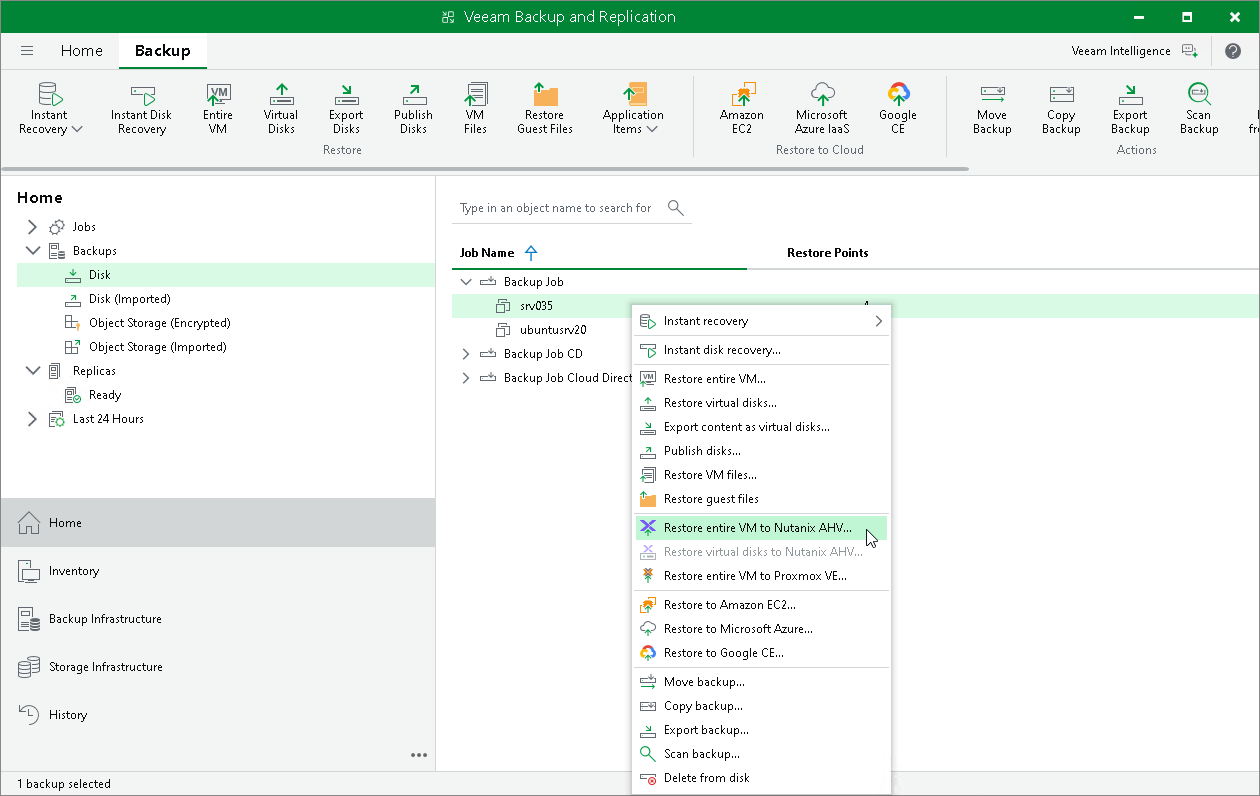
Restore to Nutanix AHV
Veeam Backup & Replication allows you to recover different workloads as Nutanix AHV VMs.
Supported Backup Types
To recover workloads to a Nutanix AHV cluster, you can use the following backups:
- Backups of VMware vSphere virtual machines created by Veeam Backup & Replication.
- Backups of VMware Cloud Director virtual machines created by Veeam Backup & Replication.
- Backups of Microsoft Hyper-V virtual machines created by Veeam Backup & Replication.
- Backups of virtual and physical machines created by Veeam Agent for Microsoft Windows or Veeam Agent for Linux.
- Backups of Nutanix AHV virtual machines created by Veeam Plug-In for Nutanix AHV.
- Backups of Amazon EC2 instances created by Veeam Backup for AWS.
- Backups of Microsoft Azure virtual machines created by Veeam Backup for Microsoft Azure.
- Backups of Google Compute Engine VM instances created by Veeam Backup for Google Cloud.
- Backups of oVirt VMs created by Veeam Plug-In for oVirt KVM.
- Backups of Proxmox VE VMs created by Veeam Plug-In for Proxmox VE.
- Backups of Scale Computing HyperCore VMs created by Veeam Plug-in for Scale Computing HyperCore.
- Backups of HPE Morpheus VM Essentials VMs created by Veeam Plug-in for HPE Morpheus VM Essentials.
- Backups of Xen VMs created by Veeam Plug-in for Xen.
- Backups of Red Hat OpenShift Virtualization VMs created by Veeam Plug-in for KubeVirt.
Performing Restore to Nutanix AHV
The restore procedure of entire workloads to Nutanix AHV practically does not differ from the procedure described in the Performing VM Restore section in the Veeam Plug-In for Nutanix AHV User Guide.