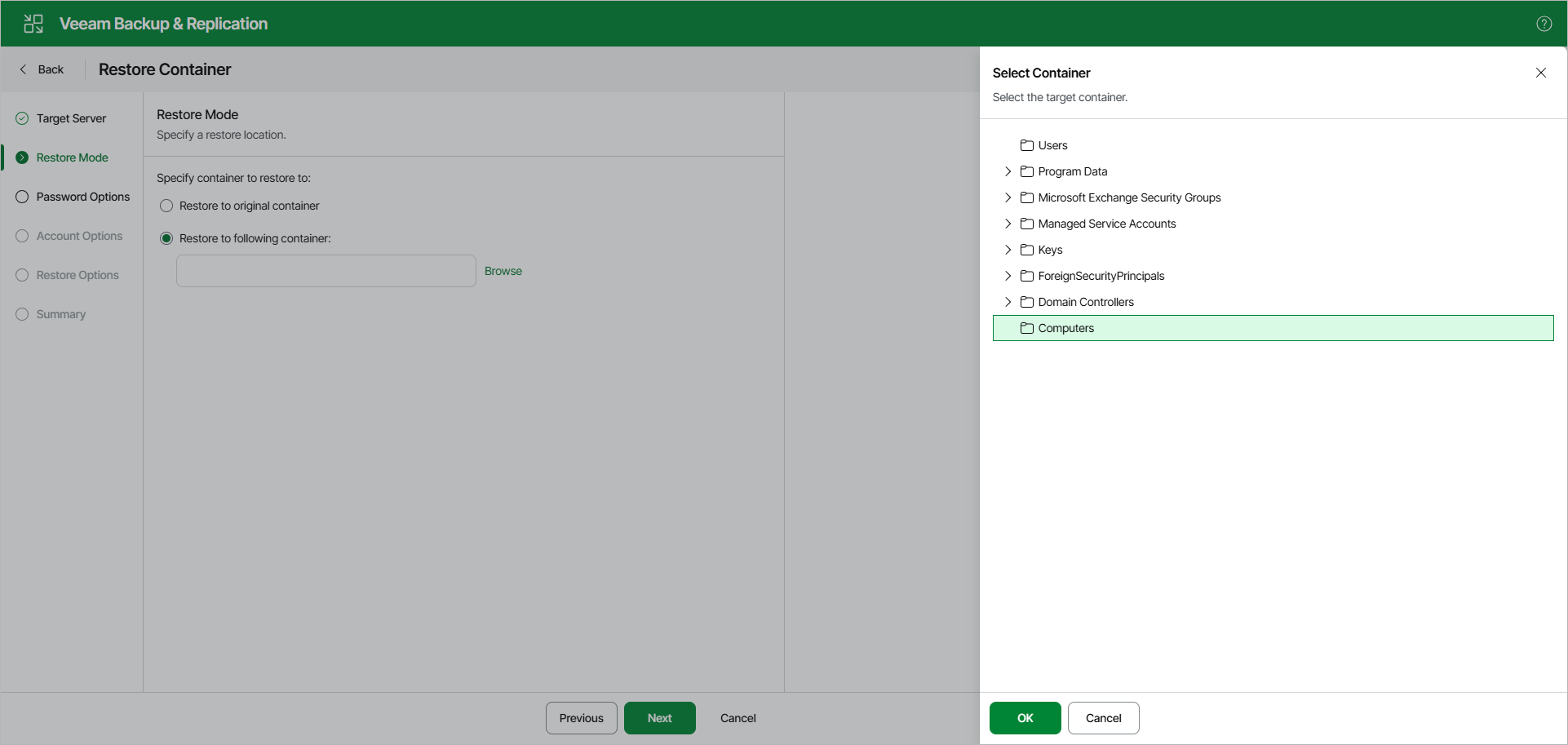
Step 3. Specify Restore Location
At the Restore Mode step, select a container to which you want to restore the objects.
You can select the following:
- Restore to the original container — to restore data to the original container in your production environment.
- Restore to the following container — to select a different container, as described in Browsing Container.
|
Note |
|
If a container that is being restored was not found in the production environment, it will be restored anew. |
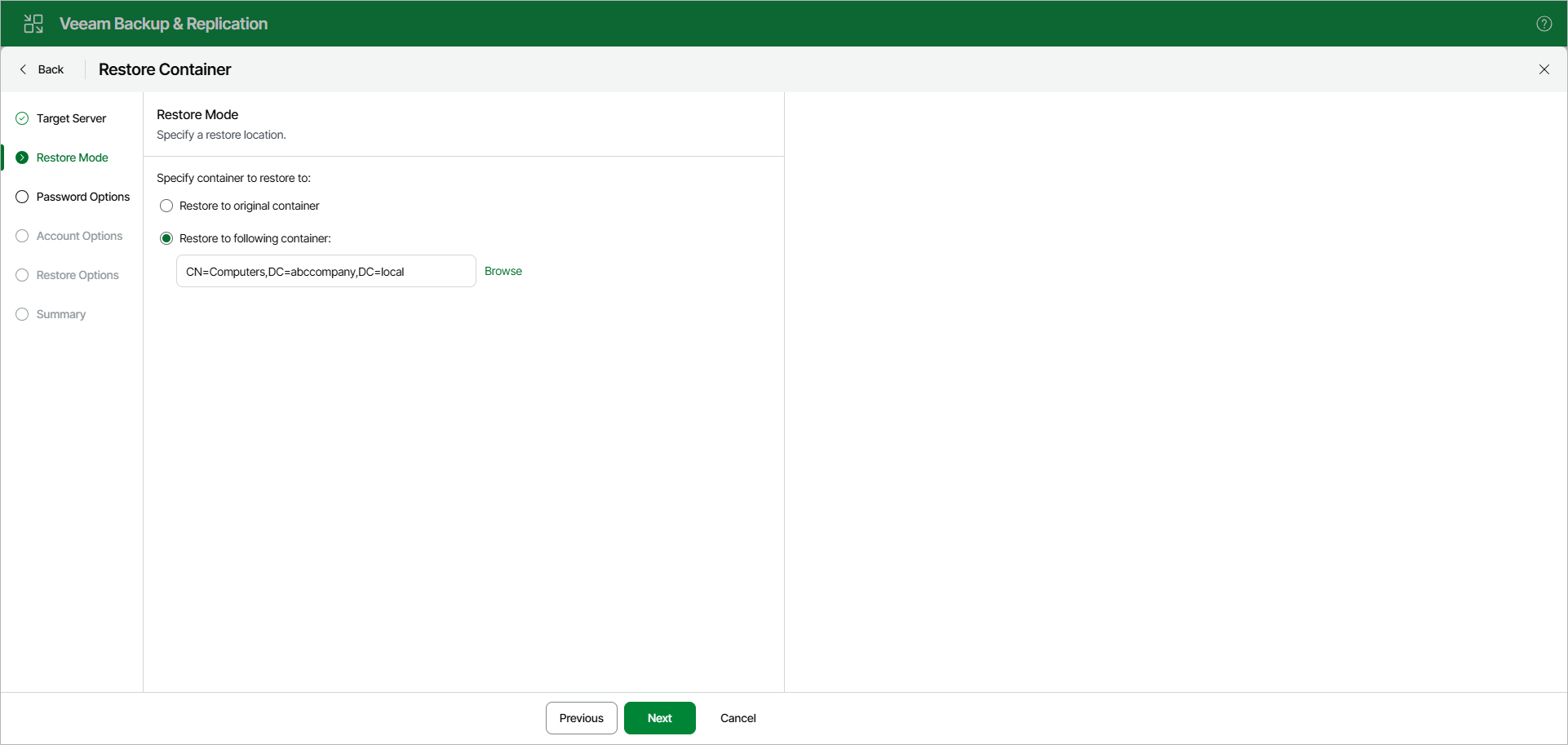
To select a different container, click Browse and choose a container you want to use.