Copying Backup
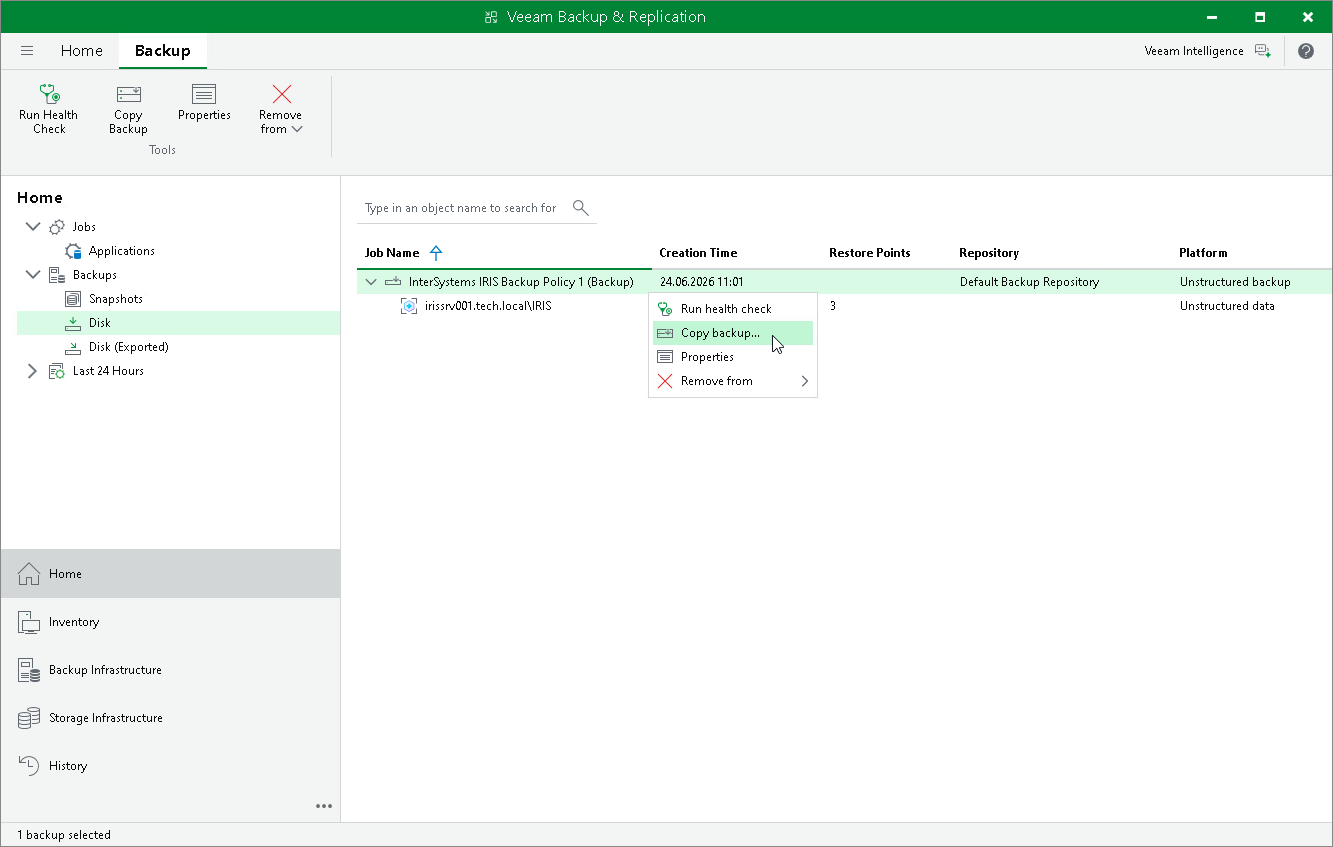
To create a backup copy, do one of the following:
- In the Disk node, select the InterSystems IRIS application backup policy and click Copy Backup on the ribbon.
- In the Disk node, right-click the InterSystems IRIS application backup policy and select the Copy backup option.
Veeam Backup & Replication will prompt you to specify a target backup repository where to place the backup copy files. Choose the target destination from the Backup repository list.