Appendix B. Installing and Removing Backup Appliance License
To remove a license installed on the backup appliance if you no longer need it, do the following:
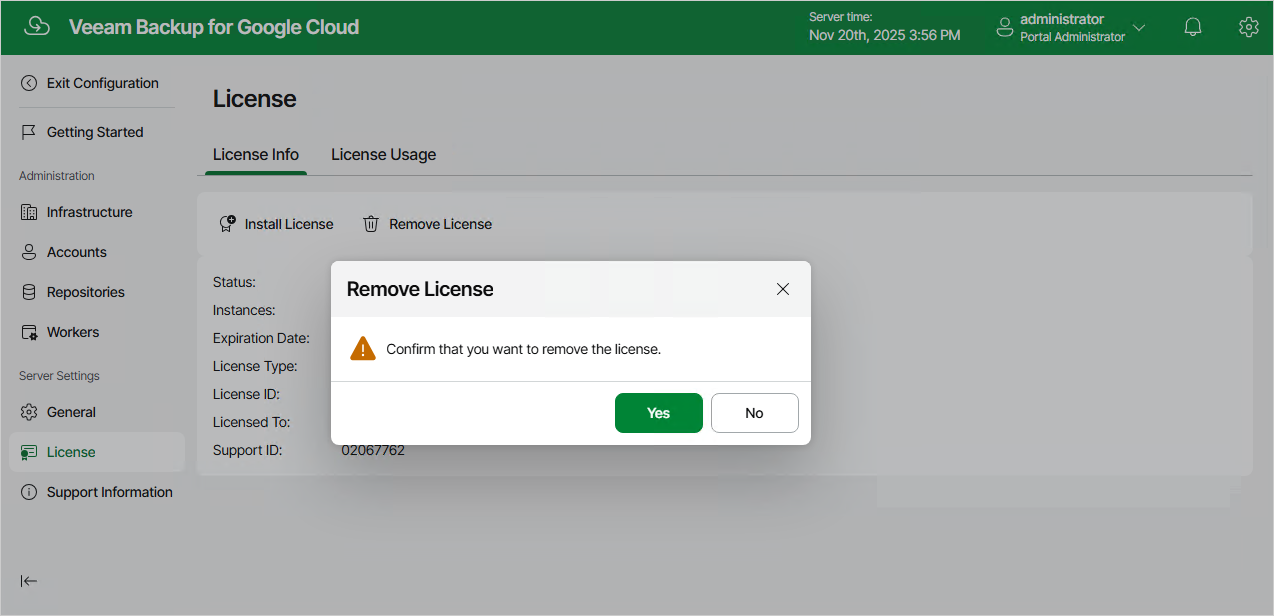
- On the License Info tab, click Remove License.
- In the Remove License window, click Yes to confirm that you want to remove the license.
After you remove the license, Veeam Plug-In for Google Cloud will automatically switch back to the Free edition. In this case, according to the FIFO (first-in first-out) queue, only the first 10 instances registered in the configuration database will remain protected. You can revoke license units from these instances as described in section Revoking License Units.
Related Topics