Step 7. Finish Working with Wizard
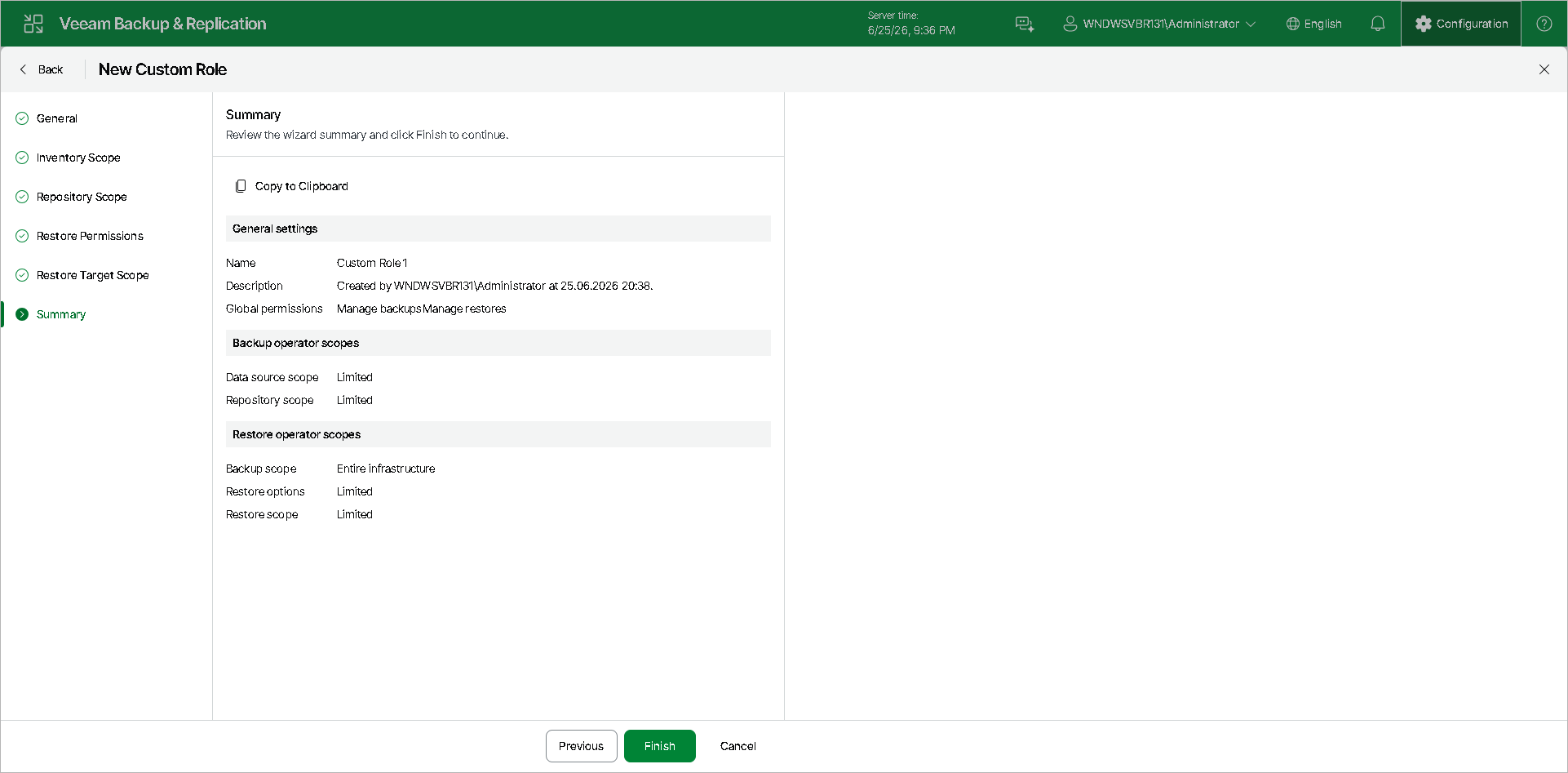
At the Summary step of the wizard, review details of the custom role and click Finish to create the role. For details on assigning roles to users and groups, see Configuring Users Using Web UI.
|
Note |
|
If you edit an existing role, all users assigned to this role must log out and log in again to the Veeam Backup & Replication web UI for the changes to take effect. |