Step 4. Specify Domain Controller Credentials
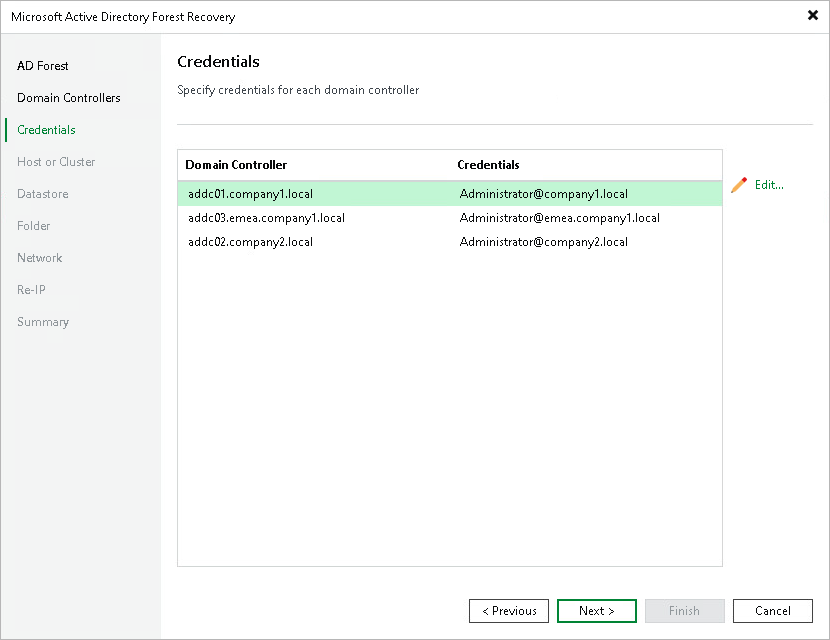
At the Credentials step of the wizard, specify the credentials that Veeam Backup & Replication uses to connect to each domain controller during the restore process.
To set or change credentials for a domain controller:
- Select one or more domain controllers in the list and click Edit. To select multiple domain controllers at once, press and hold [Ctrl] or [Shift].
- Select or add an account with sufficient permissions to perform the recovery on the domain controller.
- Click OK.
Note |
Forest recovery requires an account with Domain Admin privileges for each domain controller. Only standard credentials with a user name and password are supported — other credential types cannot be used. |