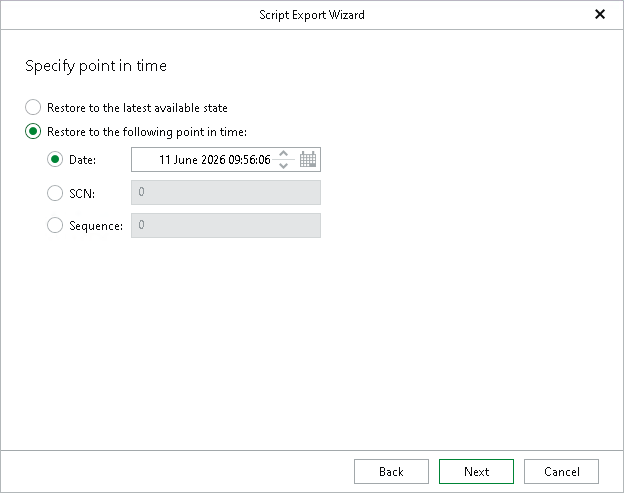
Step 4. Specify Point in Time
At this step of the wizard, do either of the following:
- Select the Restore to the latest available state option to restore data as of the latest available state.
- Select the Restore to the following point in time option to select a state as of which you want to restore data:
- Select the Date option to specify the date and time of the required state.
Note |
|
The behavior of the wizard depends on the option you selected at the Specify Oracle Settings step:
|
- Select the SCN option to specify the SCN (System Change Number) of the required state.
- Select the Sequence option to specify the log sequence number of the required state.
Tip |
For more information on RMAN point-in-time restore settings, see the Oracle documentation. |