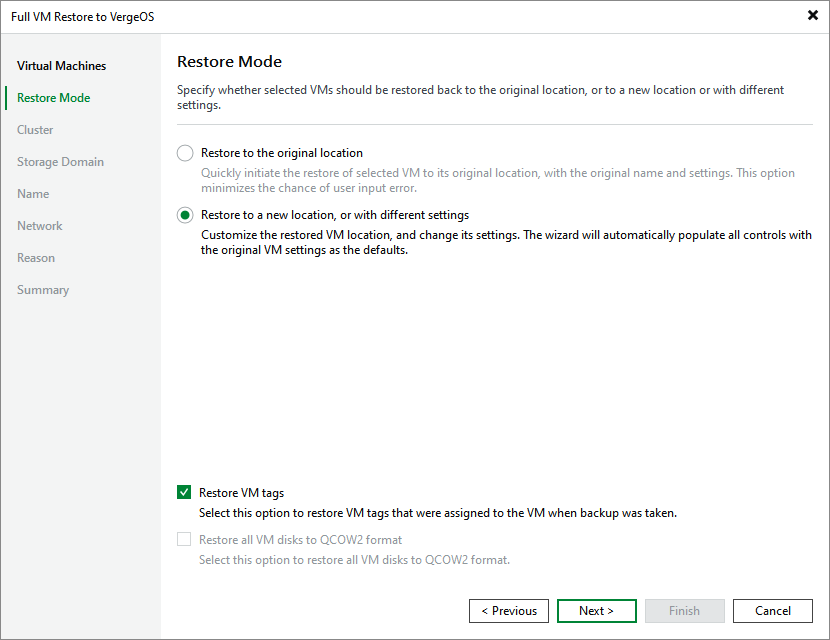
Step 3. Choose Restore Mode
At the Restore Mode step of the wizard, choose whether you want to restore the selected VM to the original or to a custom location. You can also choose whether you want the recovered VM to be assigned the same tags as the original VM (if supported by the hypervisor).
|
Tip |
|
If the hypervisor supports QCOW2 disks, you can instruct Veeam Plug-in for Universal Hypervisor API to restore disks attached to the recovered VM in the QCOW2 format. This will increase speed and efficiency of incremental backups further created for the VM. |