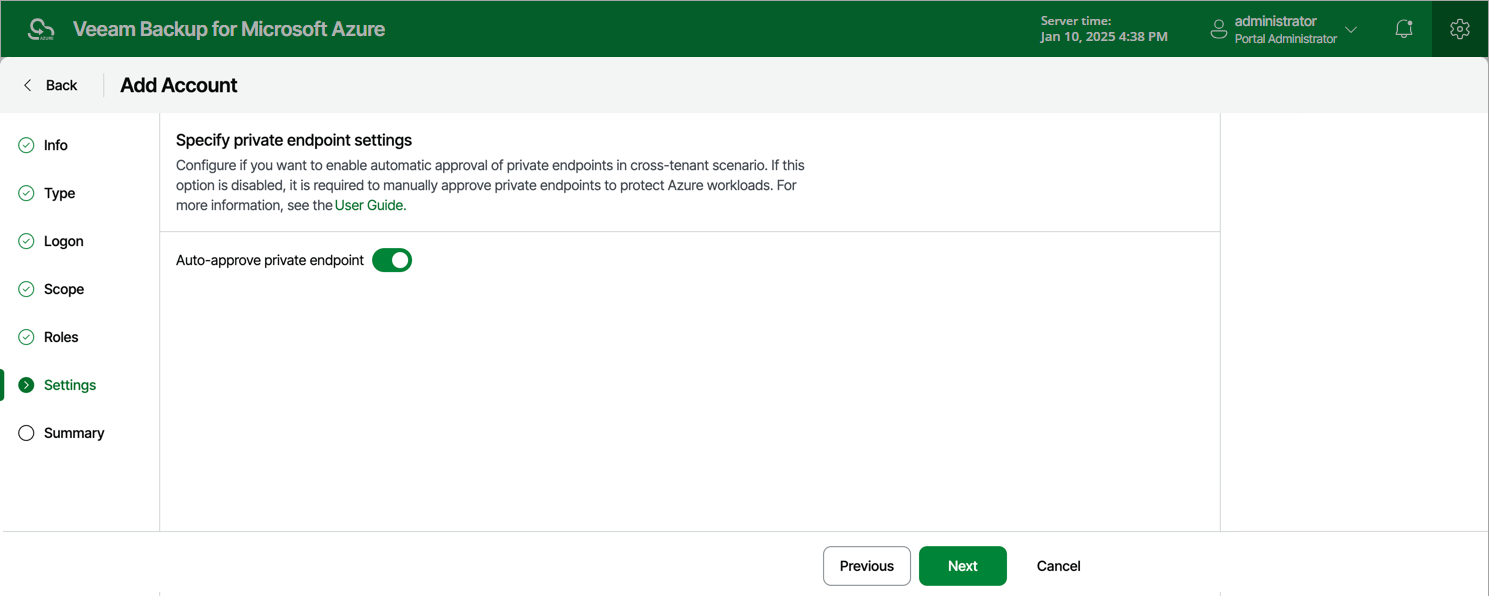
Step 6. Enable Private Endpoint Approval
[This step applies only if you plan to use the service account to protect Azure SQL databases or Cosmos DB accounts that cannot be accessed through a public virtual network]
To produce backups of Azure SQL databases and Cosmos DB accounts that can be accessed through a private VNet only, your backup appliance creates private endpoints. These endpoints are approved automatically — but only if these resources and the appliance belong to the same Microsoft Entra tenant; otherwise, you will have either to approve them manually as described in Microsoft Docs or to enable automatic endpoint approval for the service account at the Settings step of the wizard.
|
Important |
|
To allow your backup appliance to create and use private endpoints, you must enable this functionality for the necessary backup policies as described in section Performing SQL Backup or Performing Cosmos DB Backup. |