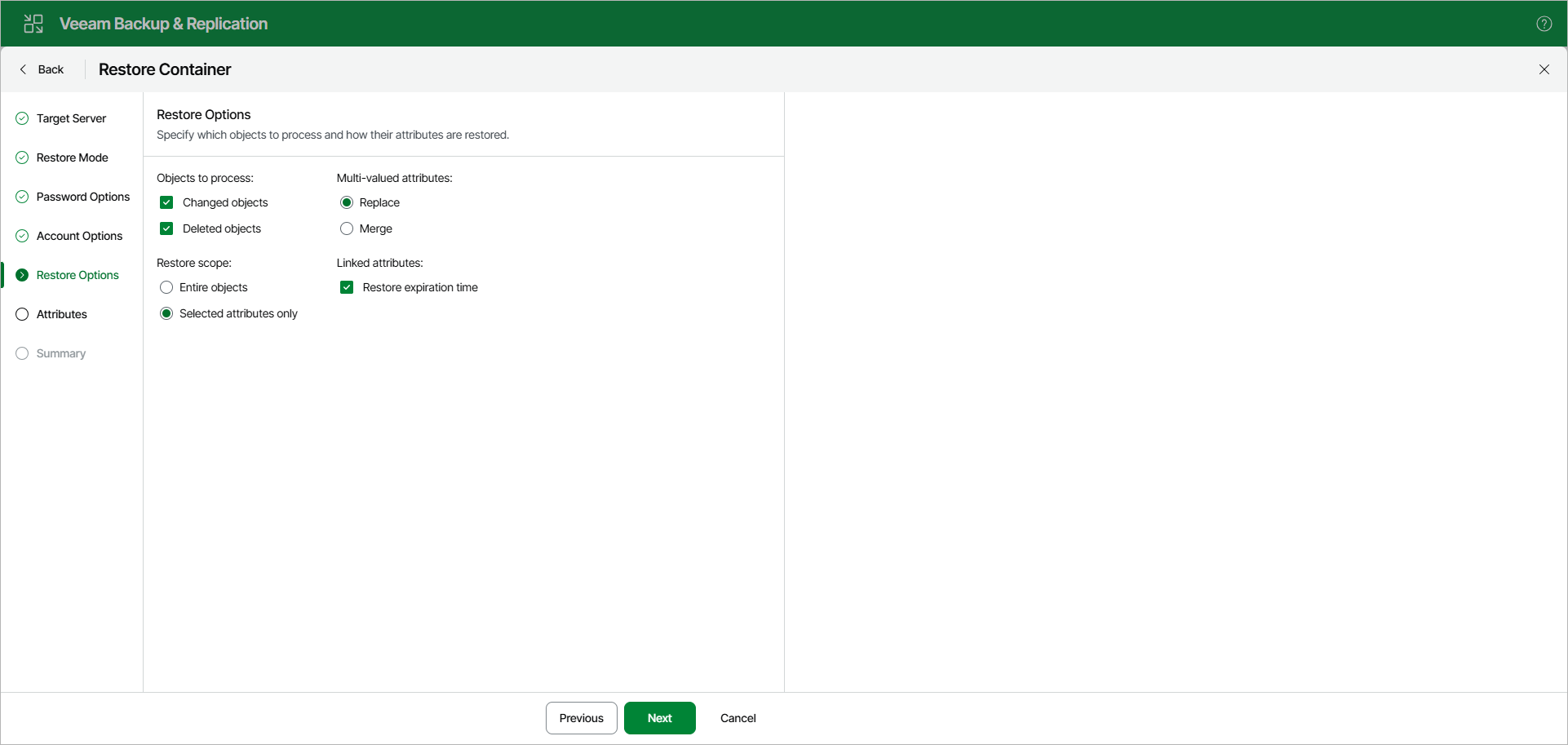
Step 6. Specify Restore Options
At the Restore Options step, specify restore options.
You can select the following:
- Objects to process:
- Changed objects — to restore changed objects.
- Deleted objects — to restore deleted objects.
- Restore scope:
- Entire objects — to restore entire objects collection.
- Selected attributes only — to select particular attributes.
When selecting Selected attributes only, you will be offered to choose the attributes you want to restore in the next step.
This option is not applicable to restore of Group Policy Objects.
- Multi-valued attributes:
- Replace — to replace production data with that of a backup file.
- Merge — to merge existing data with that of a backup file.
By default, multi-valued attributes will be replaced, not merged.
Note |
|