Deleting Replication Jobs
You can permanently delete a replication job from the Veeam Backup & Replication configuration database if you no longer need it. When you delete a job, replicas created by this job are displayed under the Replicas node in the Home view of the Veeam Backup & Replication console.
To delete a replication job, do the following:
- Open the Home view.
- In the inventory pane, select Jobs.
- In the working area, right-click the necessary job and select Delete.
Alternatively, select the job and click Delete on the ribbon.
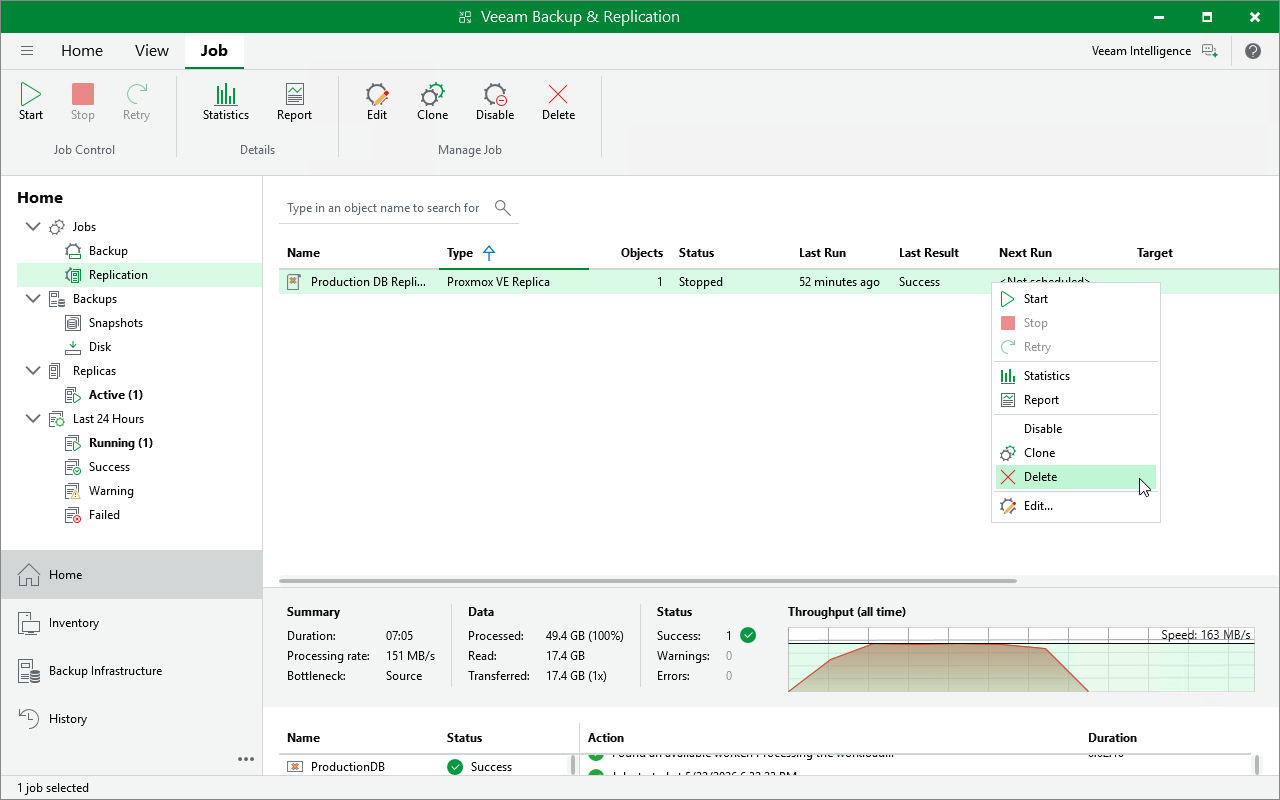 .
.