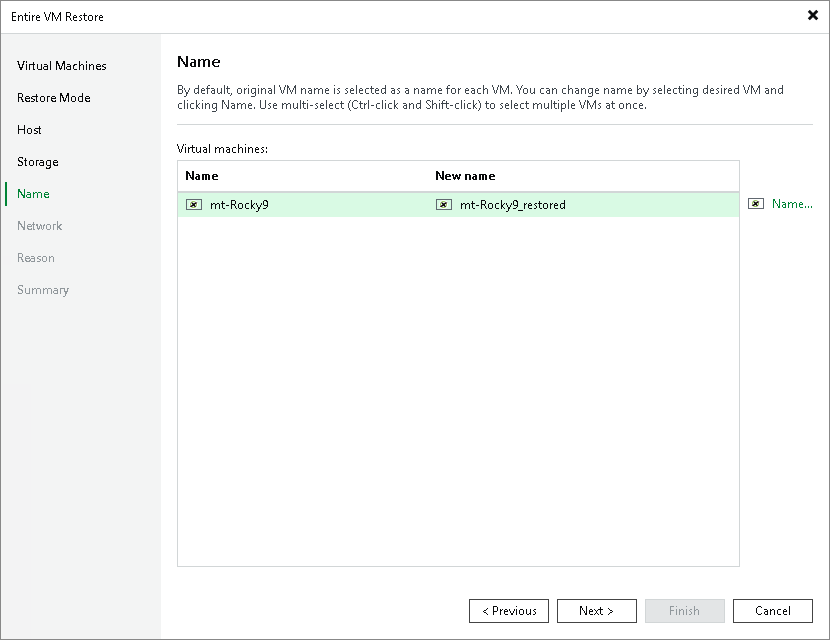
Step 6. Specify VM Name
[This step applies only if you have selected the Restore to a new location, or with different settings option at the Restore Mode step of the wizard]
At the Name step of the wizard, you can specify a new name for the recovered VM. To do that:
- Click Name. The Change Name window will open.
- In the Set name to field, specify a new name for a restored VM. The maximum length of the name is 80 characters.
You can also add a prefix or a suffix to a name. This can be useful, if you do not want to change the VM name completely. To do that, select the Add prefix or Add suffix check box and enter a prefix or a suffix. If you do not specify a new name for a VM, the prefix or the suffix will be added to an already existing VM name.
- Click OK.