Step 1. Launch File Restore Wizard
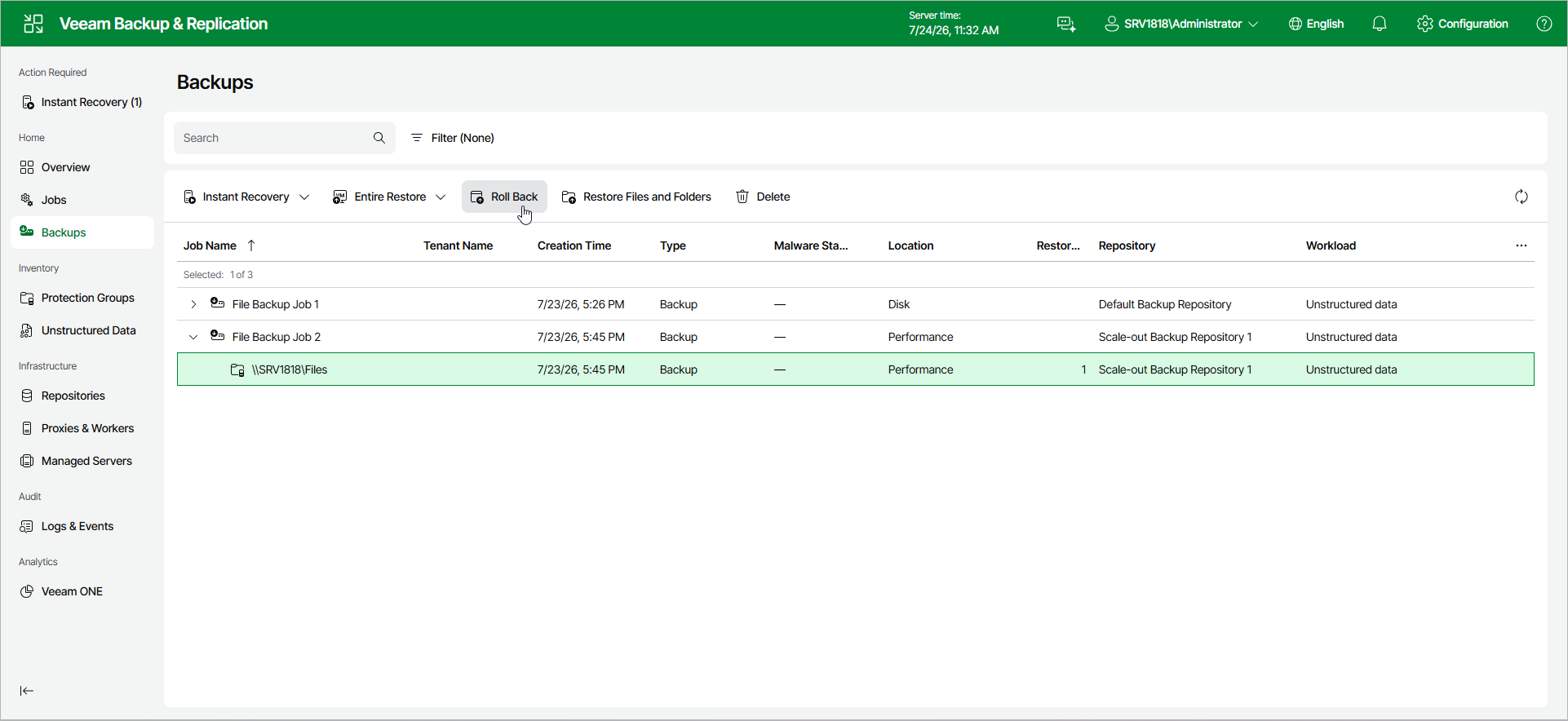
To launch the Rollback Entire File Share wizard, do the following:
- In the management pane, click the Backups node.
- In the working area, expand the necessary backup.
- Click Roll Back on the ribbon.
Alternatively, right-click the file share that you want to roll back and select Roll Back from the drop-down menu.