Backup Settings
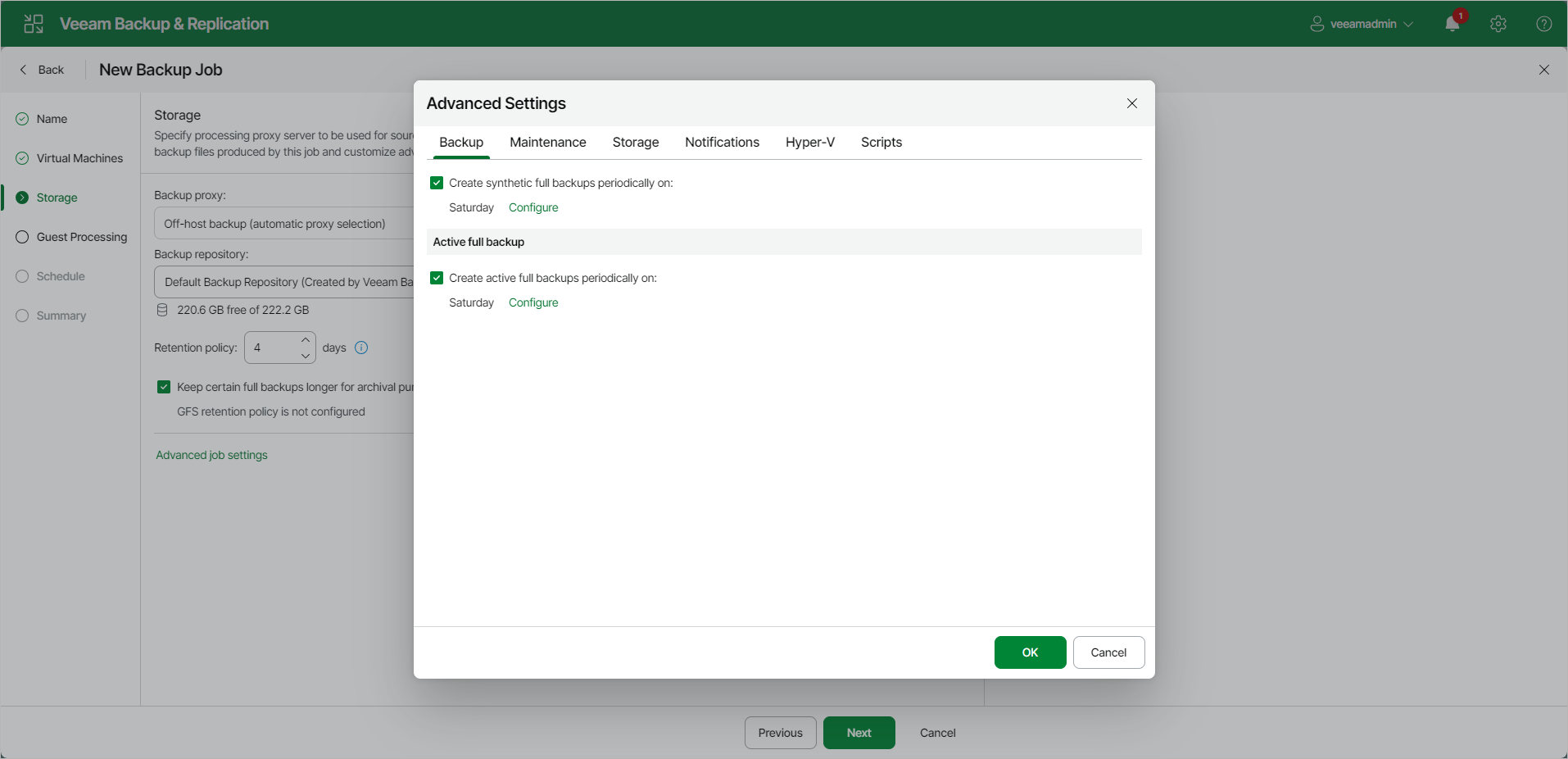
To specify settings for a backup chain created by the backup job:
- At the Storage step of the wizard, click Change default advanced settings next to the Advanced settings.
- Click the Backup tab.
- You can select to periodically create synthetic full backups if you choose the incremental backup method. Set the Create synthetic full backups periodically on toggle to On and schedule synthetic full backups on a Weekly or Monthly basis.
- You can select to periodically create active full backups with any backup mode enabled. Set the Create active full backups periodically on toggle to On and schedule active full backups on a Weekly or Monthly basis.
Before you schedule periodic full backups, you must ensure you have enough free space in the backup repository. As an alternative, you can create active full backups manually when needed. For more information, see Active Full Backup.
|
Important |
|
Consider the following:
|